
How it works
How diafimise works
diafimise turns your photos and details into Facebook and Instagram posts. You stay in control: every post is approved before it can be published.
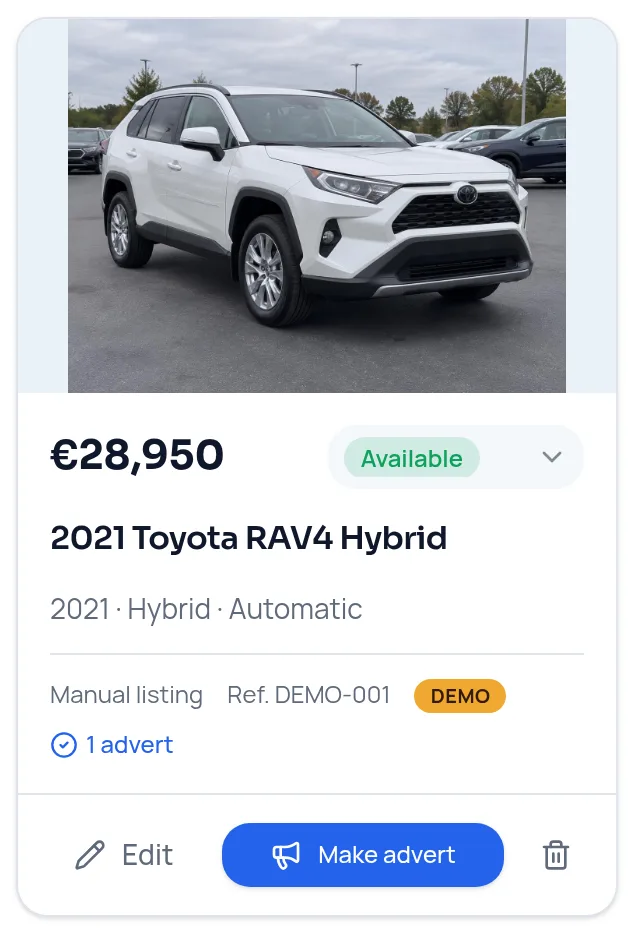
Step 1
Add what you sell or offer
Upload original photos (up to 10 per listing) or a video, and enter the real details — or import items from your website and review each one before saving.
Step 2
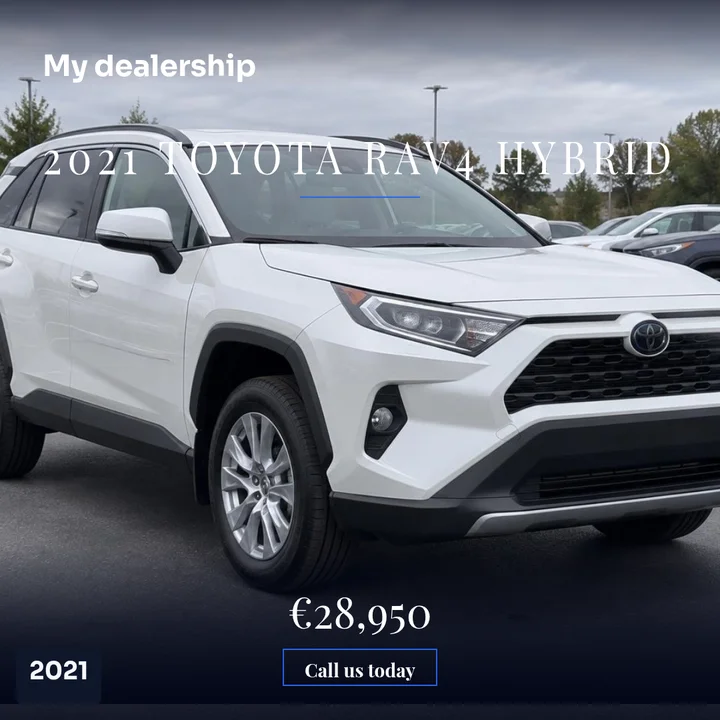
Make the advert
Choose a single photo, a collage or a carousel and a design. Price, year and details are drawn onto your photo as exact text, in square, portrait and story sizes.
Step 3
Write the caption
Write your own for free, or let AI draft one in English, Greek or both for 1 credit. Prices in AI captions always come from your listing.
Step 4
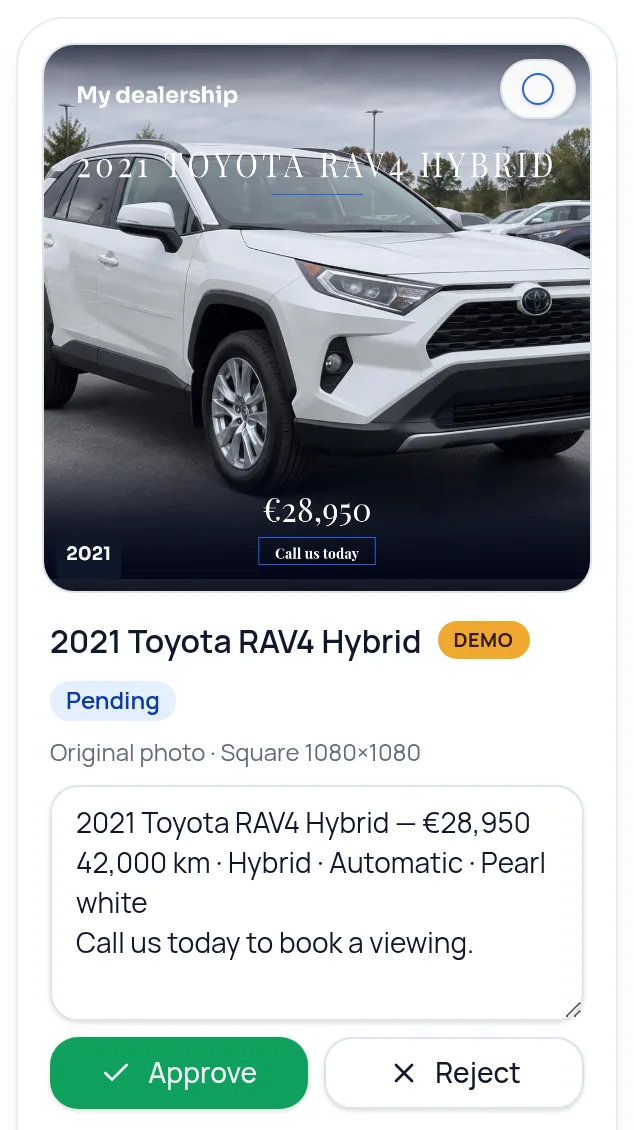
Approve
Every advert waits in the approval queue. Check the image and caption, then approve or reject it.
Step 5
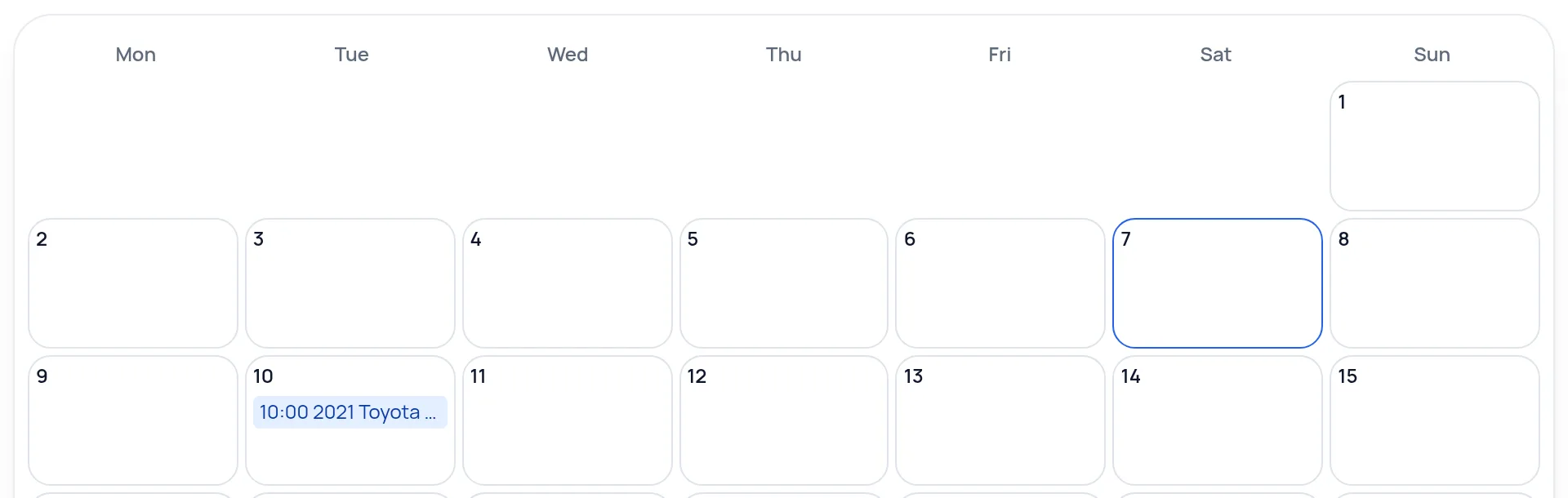
Schedule — it publishes automatically
Pick a time or use auto-schedule. At that time the advert is published to your connected Facebook Page and Instagram account.
Demo content only — no customer information is shown.
Approve · Schedule · Publish
You decide what goes out. diafimise posts it on time.
Approval
Every advert waits for your approval first. You can edit the caption, approve or reject it.
Scheduling
Give an approved advert a date and time, or let auto-schedule pick free times for the week. You can change or cancel it until it posts.
Publishing
At the scheduled time, diafimise publishes it automatically to your connected Facebook Page and Instagram account. You don't need to be online.
Automatic options
These are off until you switch them on for a business.
Auto-publish on approval
Approved adverts go out within about 5 minutes, or at the next free time slot.
Automatic website adverts
Each day diafimise can create 1 to 3 approved posts from pages on your website and schedule them into free time slots. 1 credit per post.
Daily posts
Turn up to three page links into a post each day, with your own photo or video or an AI image. With “No approval needed” they are approved and scheduled automatically.
Connecting Facebook and Instagram
You connect each business once on the Connections page. The connection is made through our publishing partner, Upload-Post.
What you need
- A Facebook Page that you manage. Personal profiles can't be connected.
- For Instagram: a Business or Creator account linked to that Facebook Page. You can switch the account type in the Instagram app under Settings → Account type, and link it under Settings → Accounts Centre.
What connecting allows diafimise to do
- Publish the adverts you approved or scheduled to the Page and Instagram account you chose.
- Read views, reach, likes and comments for the posts diafimise published, shown next to each advert.
What it doesn't do
- It doesn't post to your personal Facebook profile.
- It doesn't publish anything you haven't approved, unless you turned on an automatic option.
- You can disconnect at any time on the Connections page.
Good to know
- Carousels: up to 10 photos in one post.
- Videos: up to 60 seconds and 100 MB. On Instagram they are published as Reels.
- Stories use the first image, have no caption or clickable link, and disappear after 24 hours.
- If a scheduled post can't go out within 6 hours of its time — for example because a connection stopped working — it isn't posted late.