



















01
Keep it real
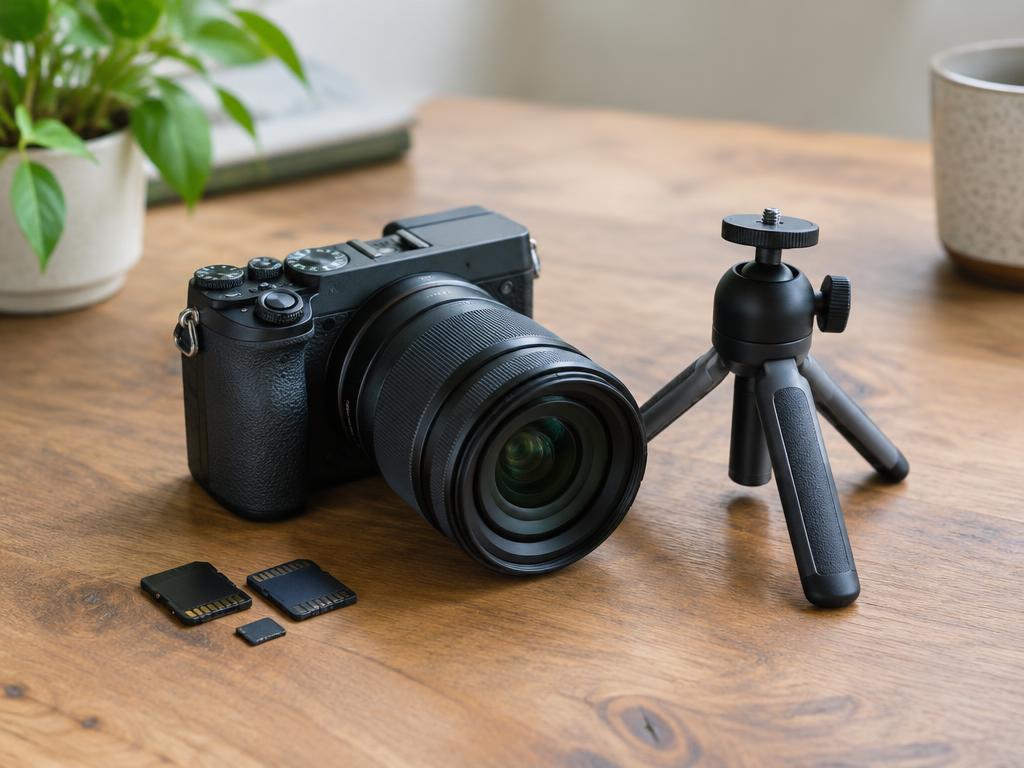
Your photo stays exactly as you took it. Use a single image, a collage or an ordered carousel.
For Facebook Pages & Instagram professional accounts
Peace of mind for your Facebook and Instagram posts. Create, schedule and manage your content in one place while you focus on your business.
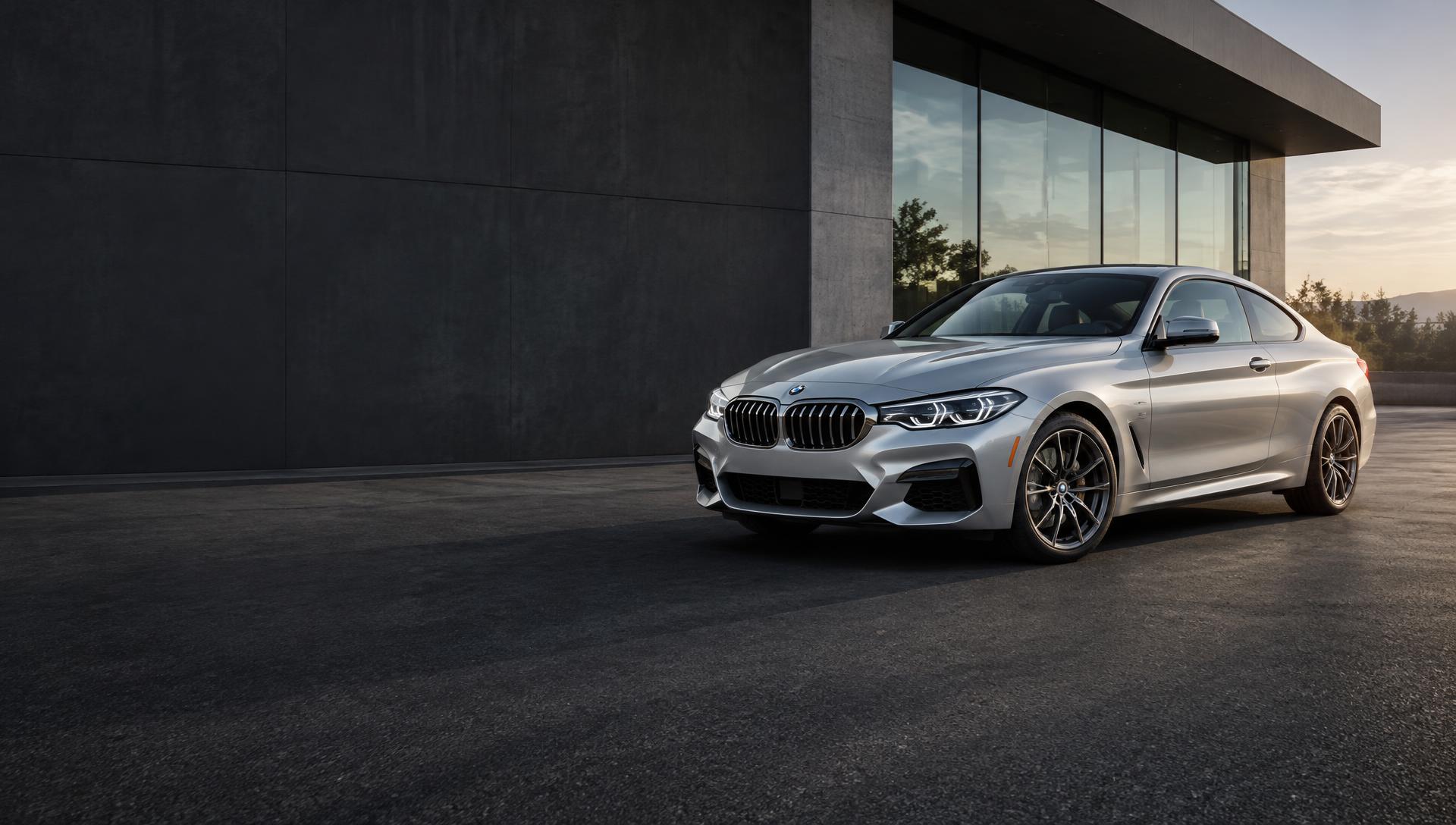

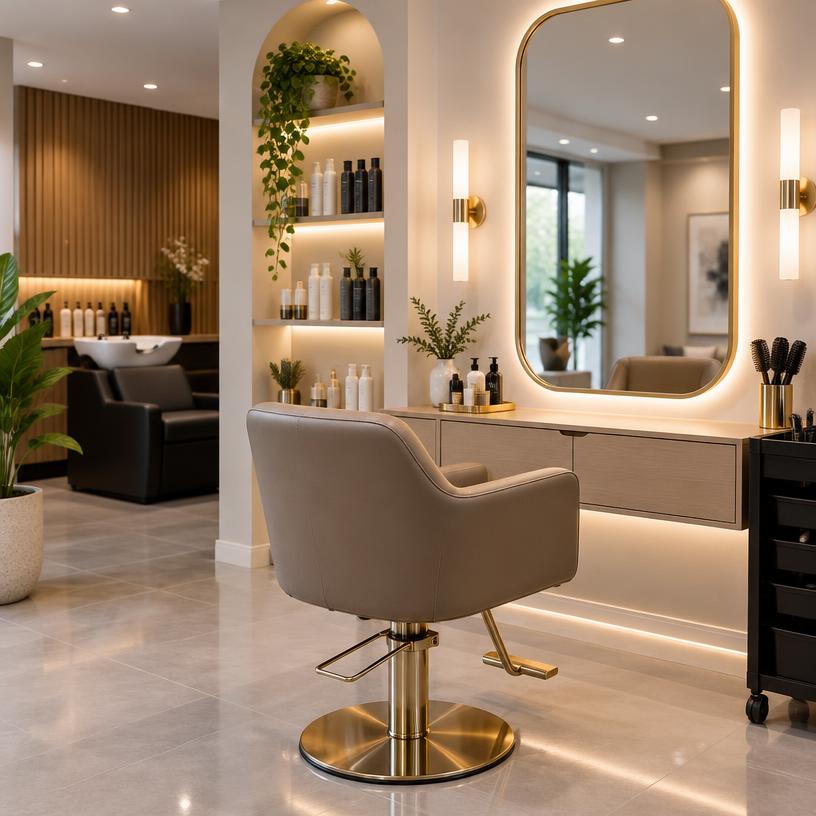
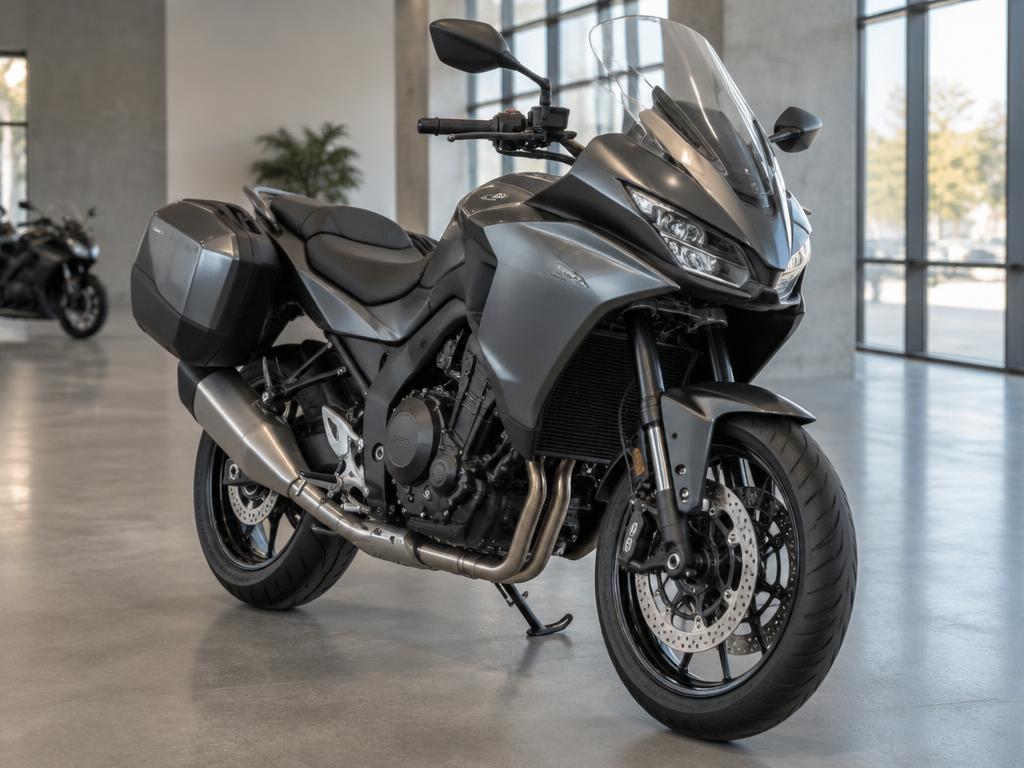
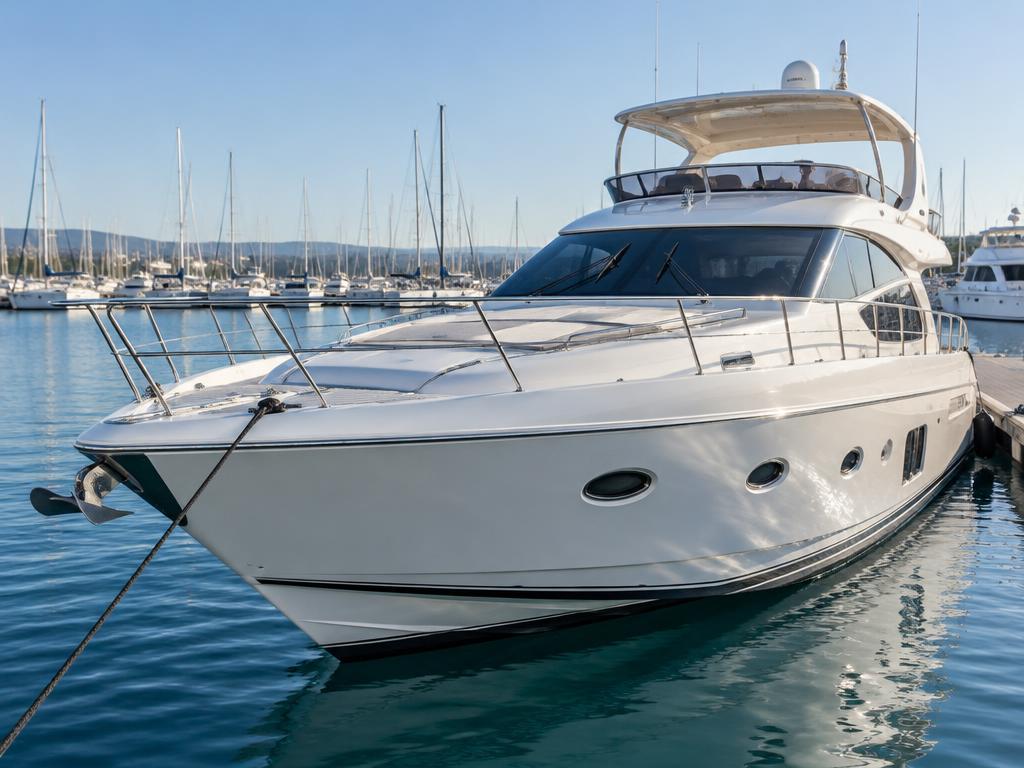
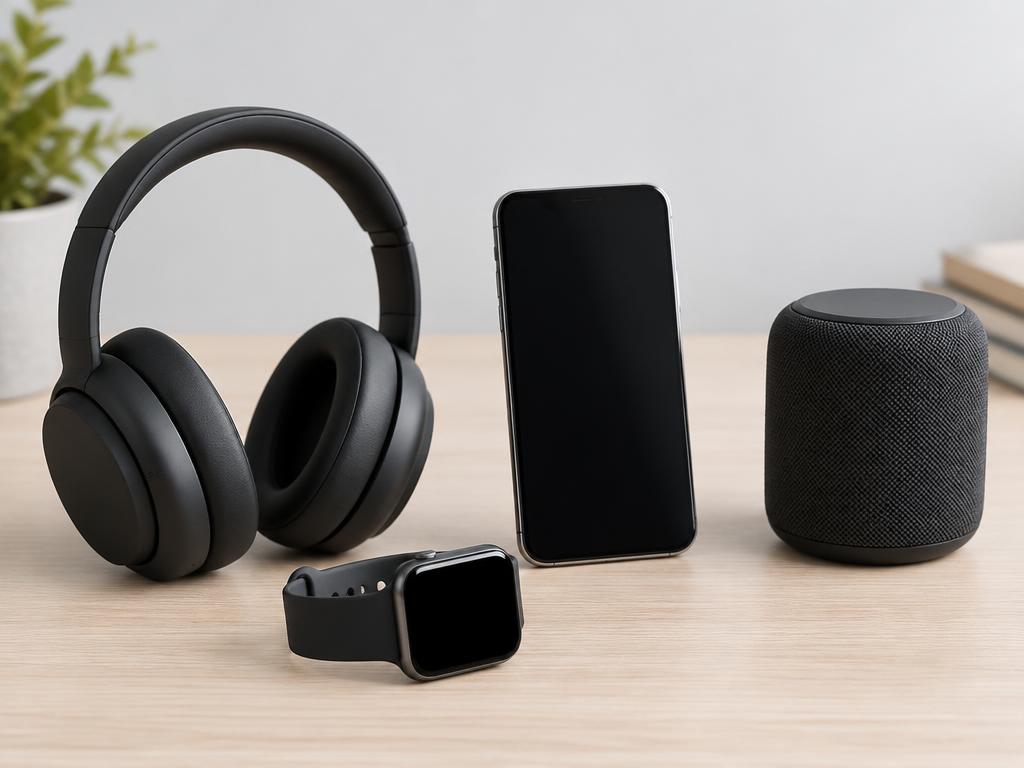
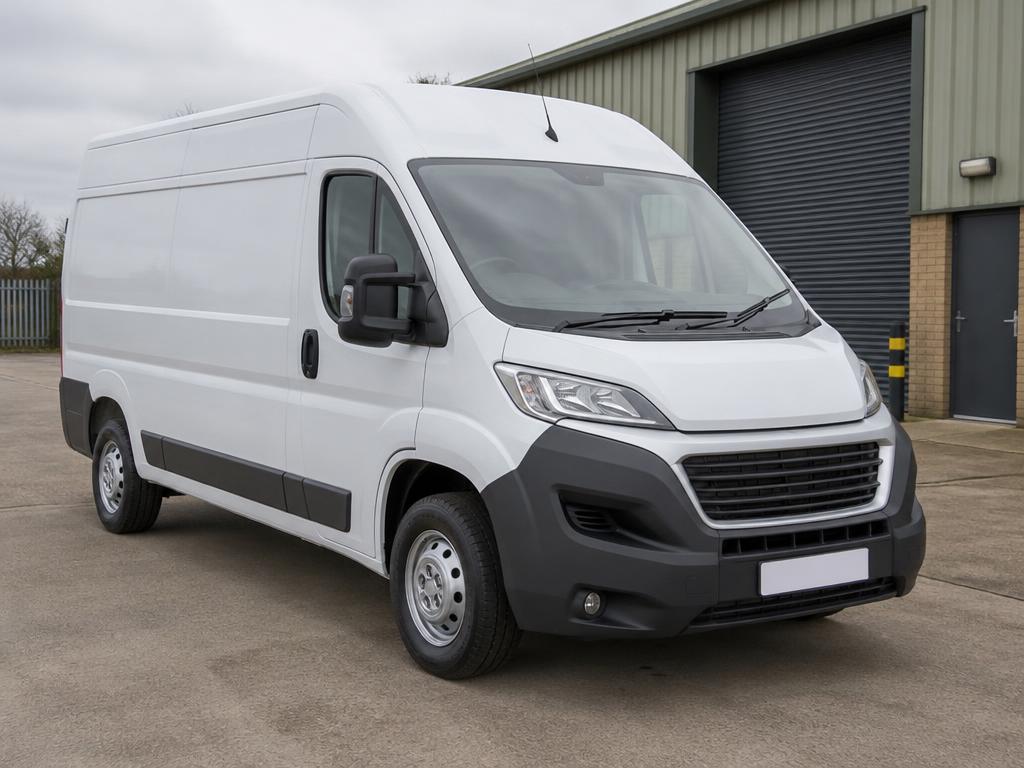
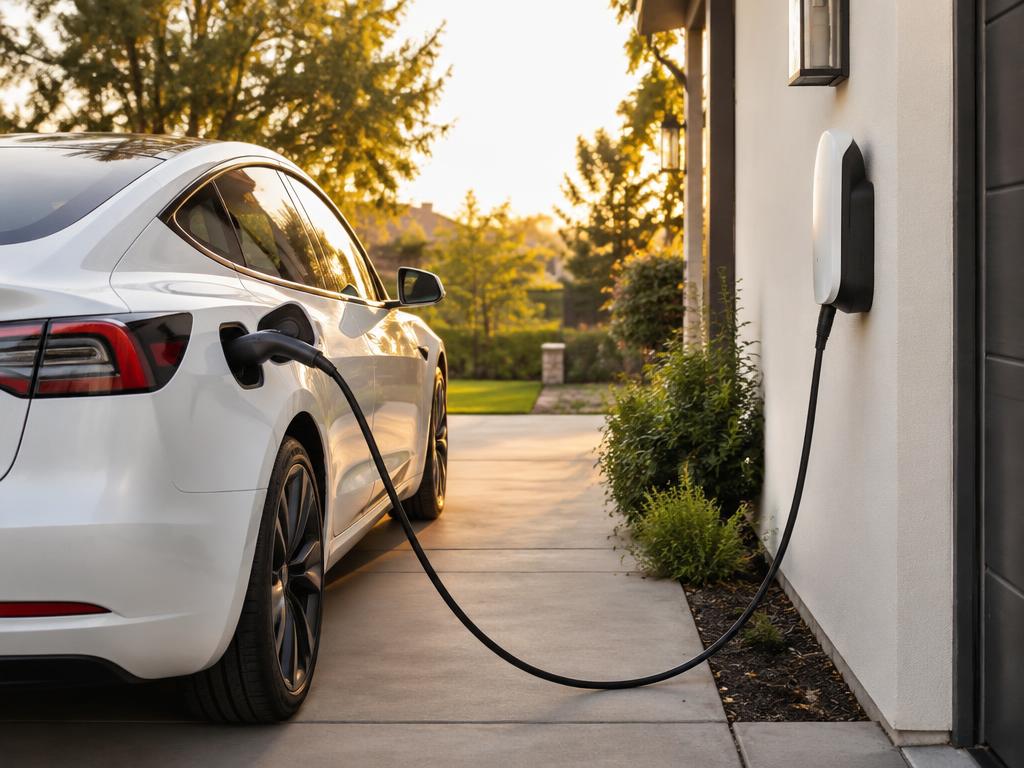
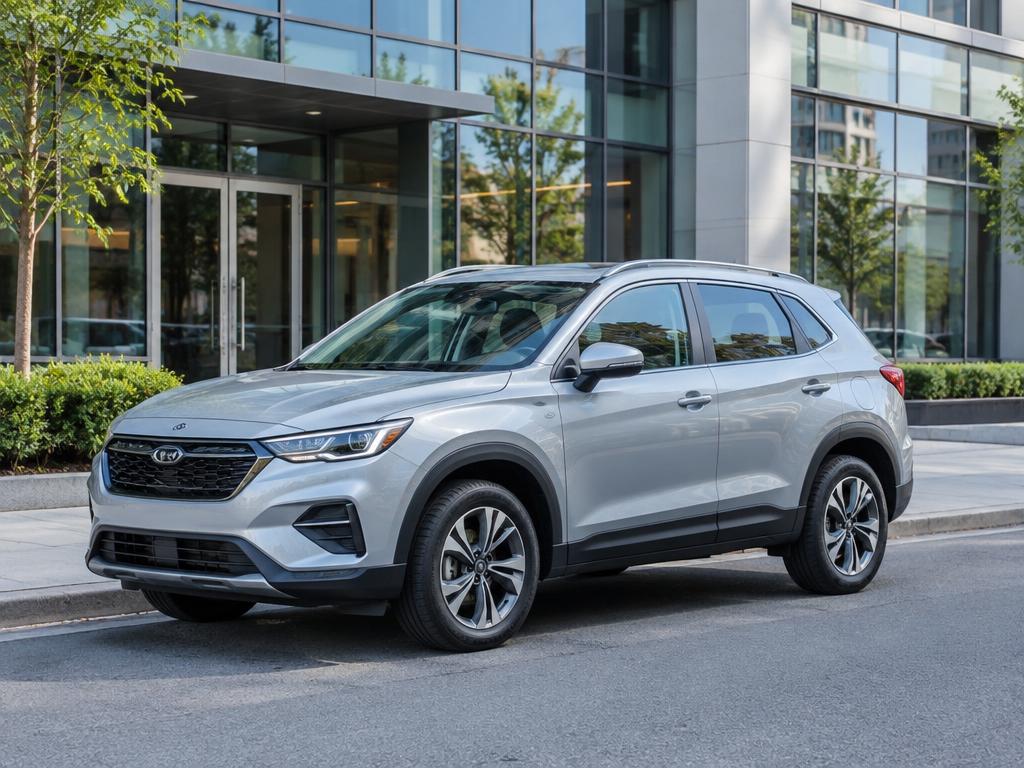
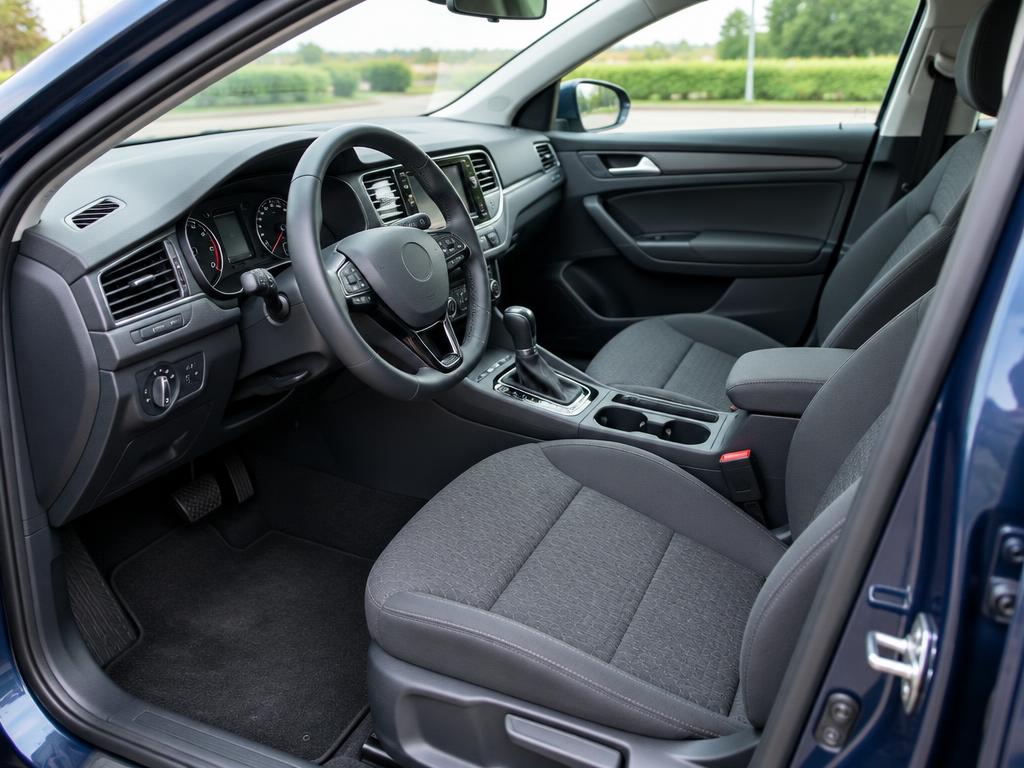
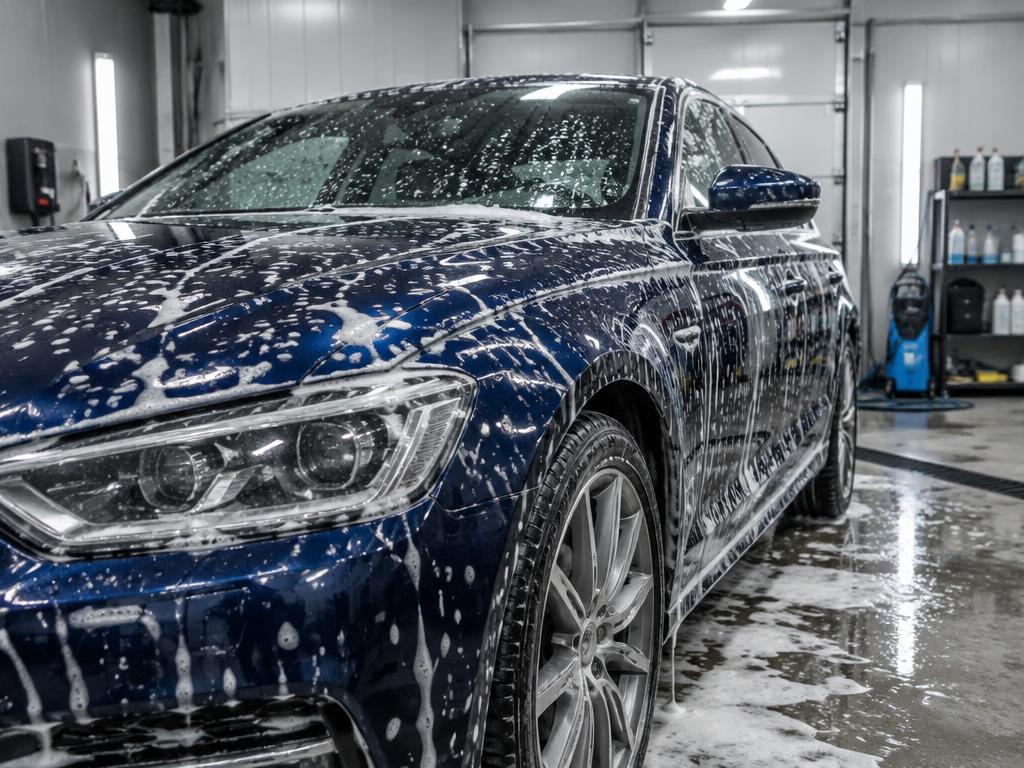
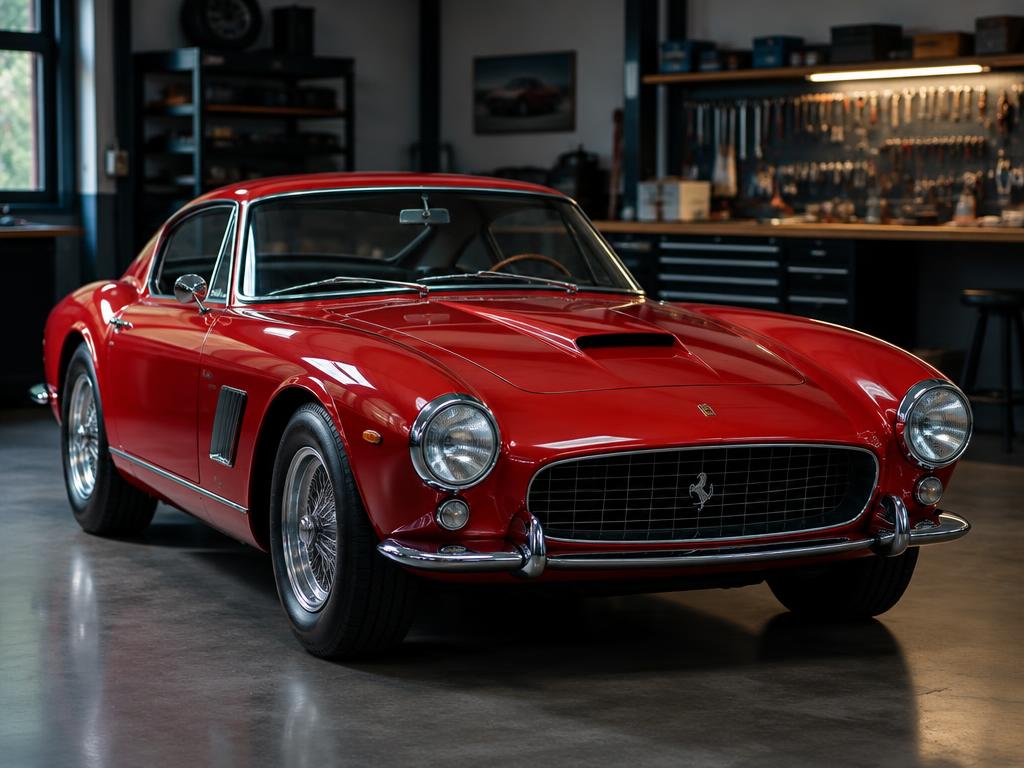
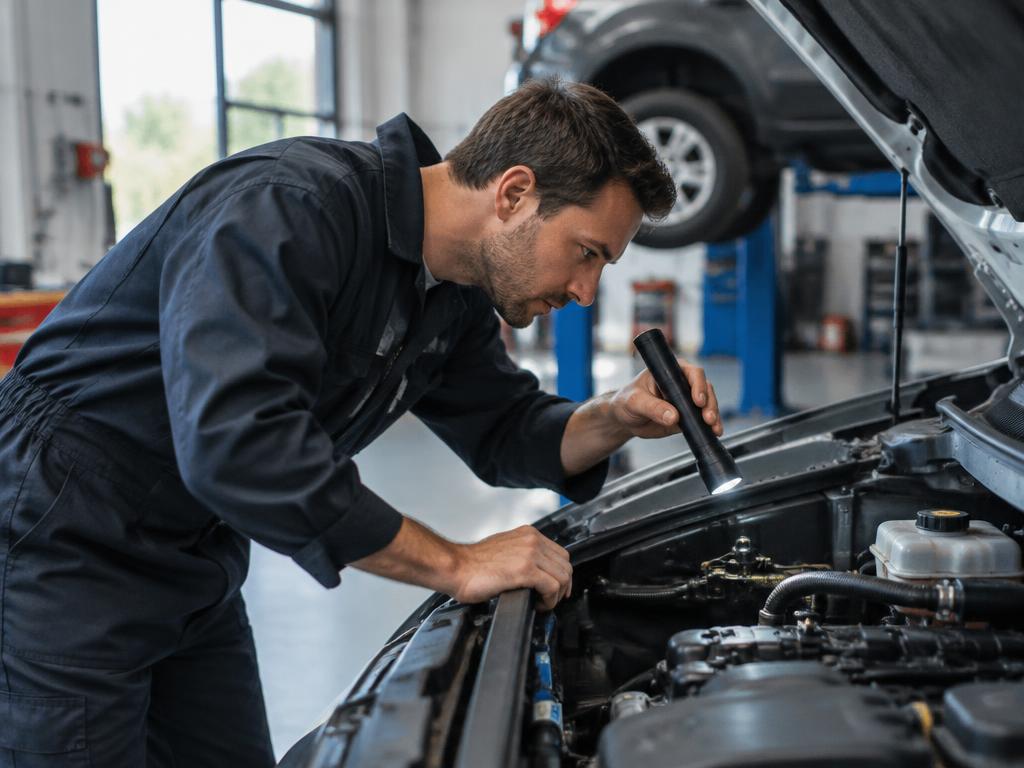
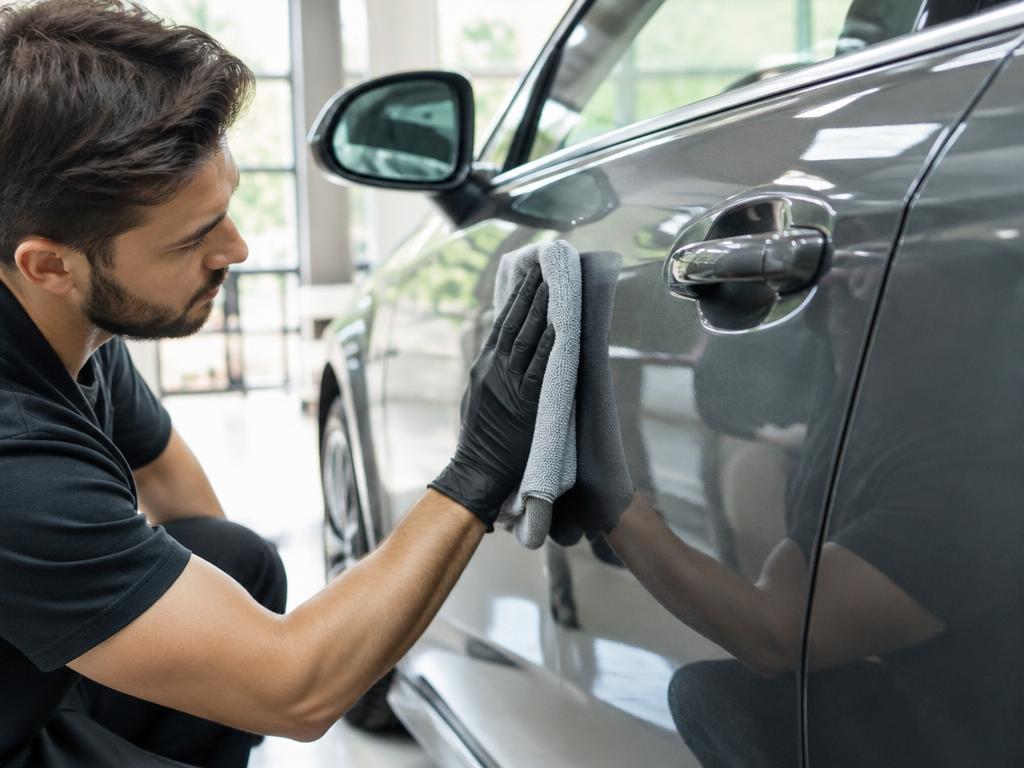
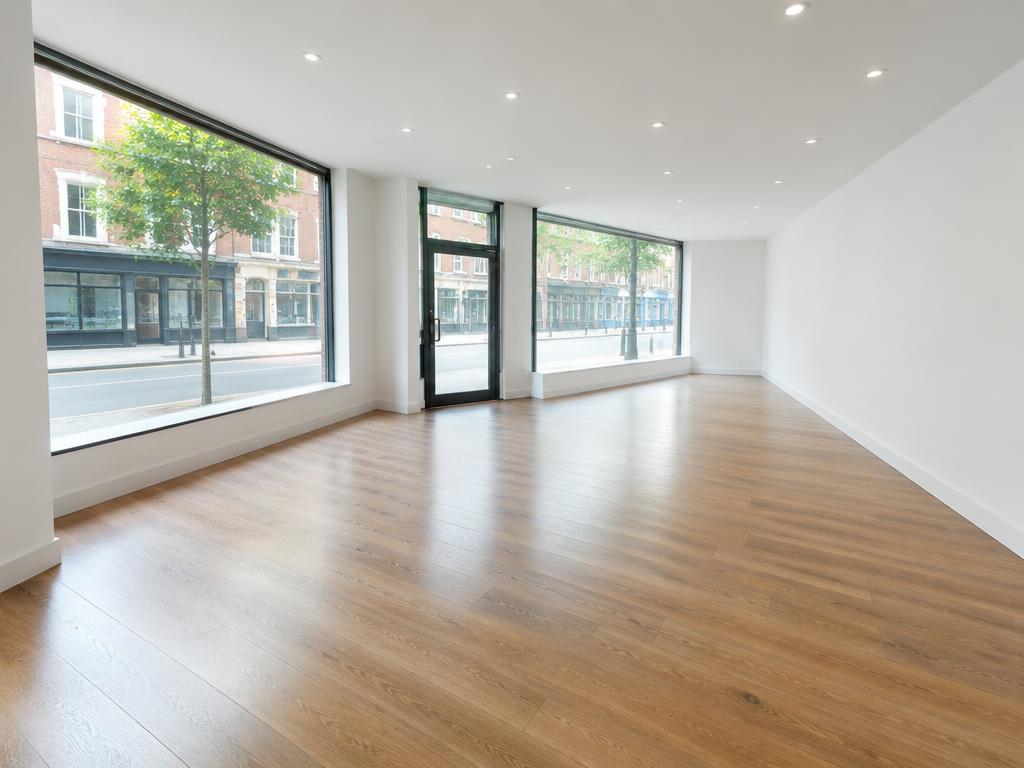
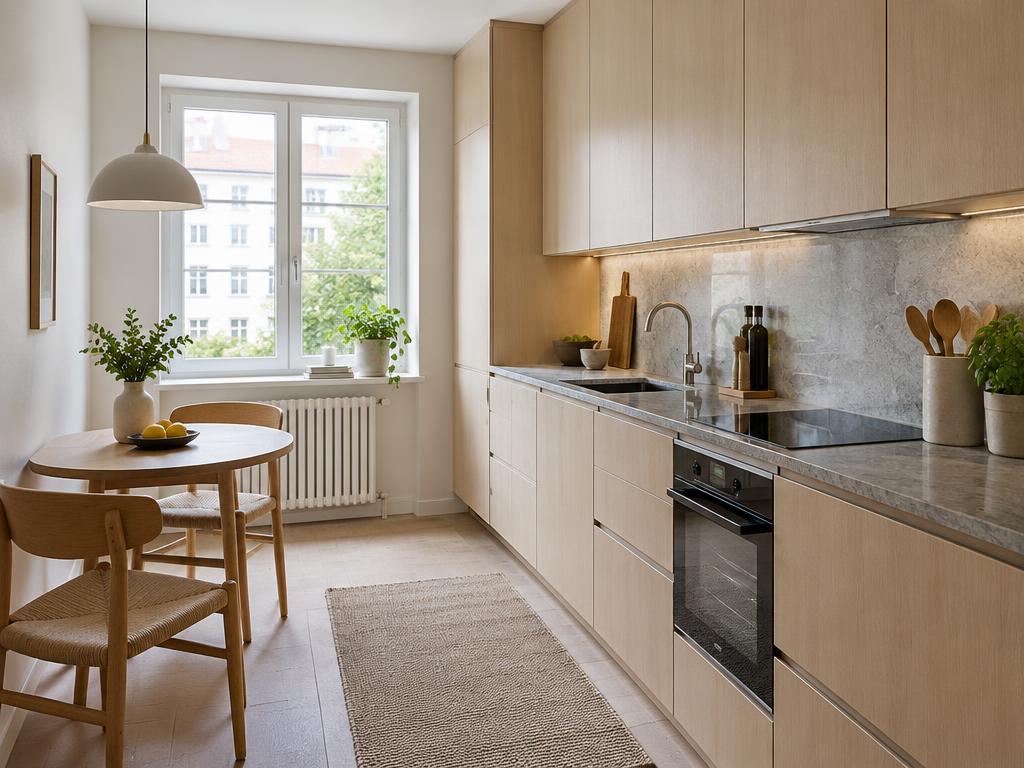
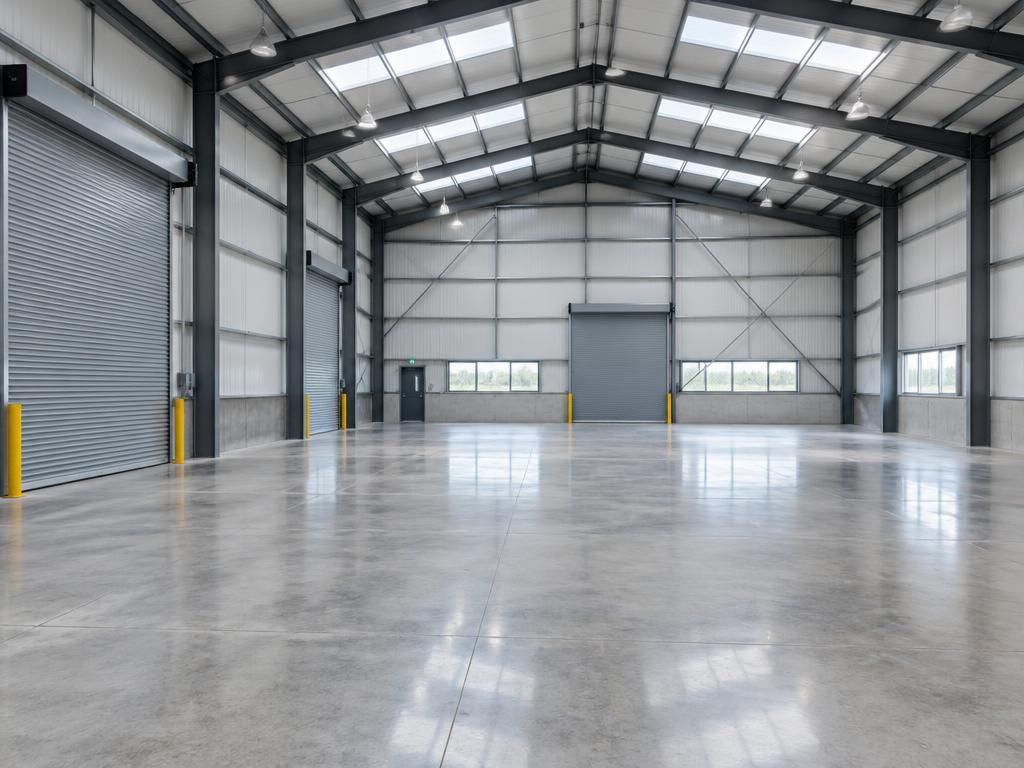
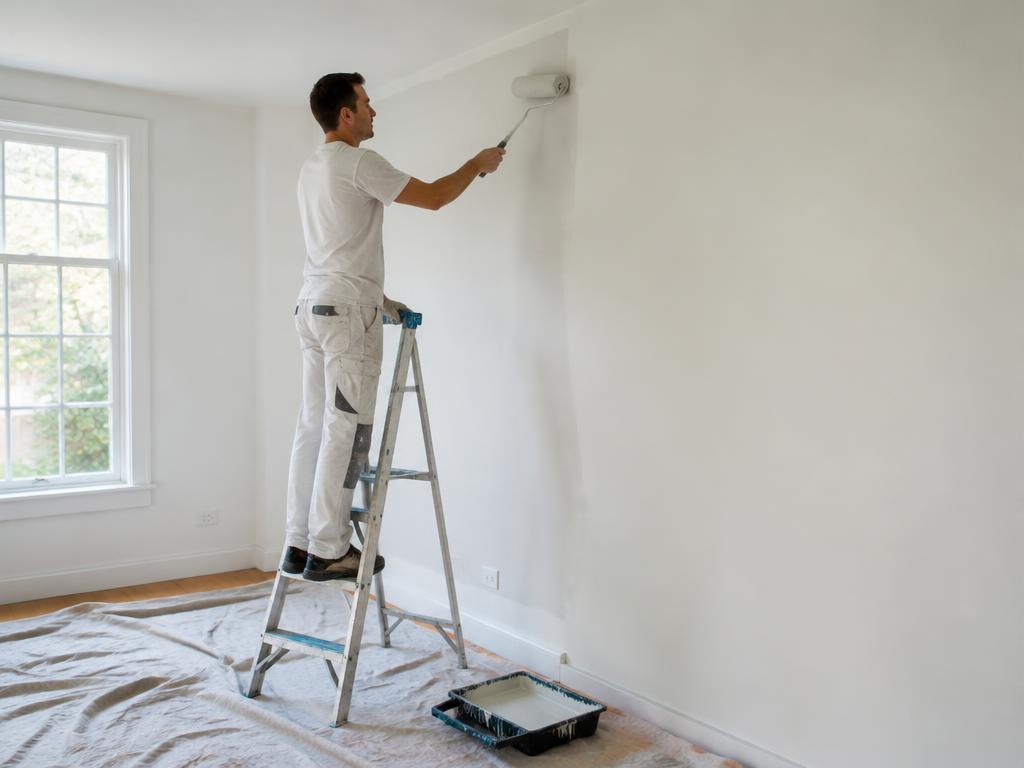
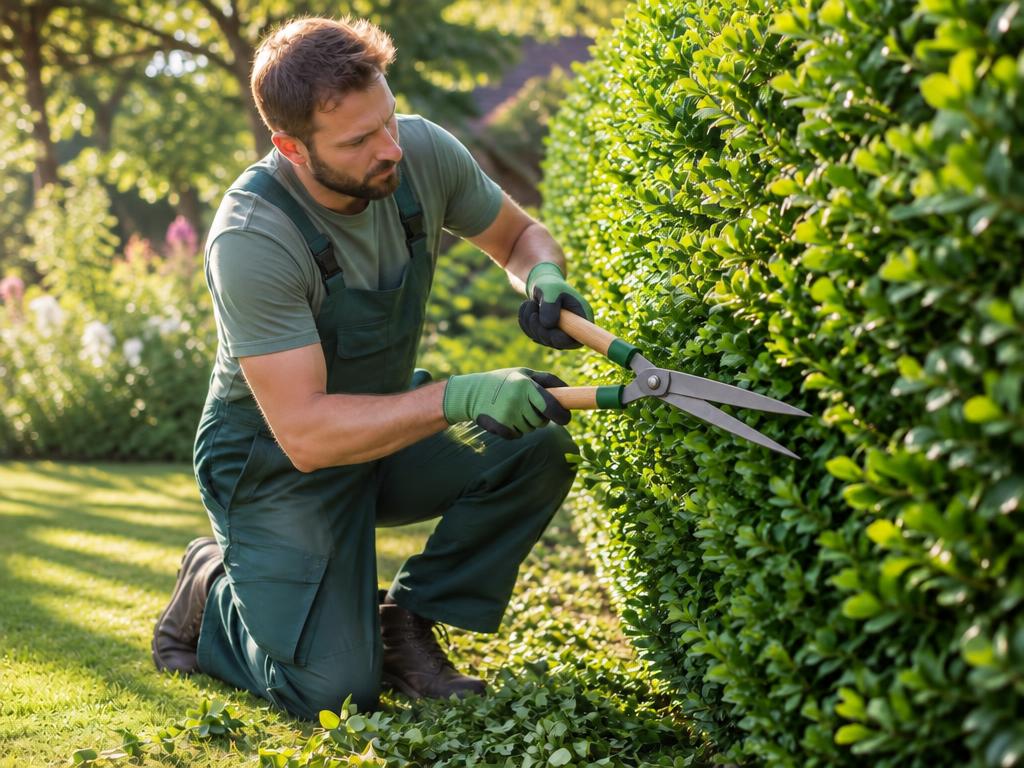
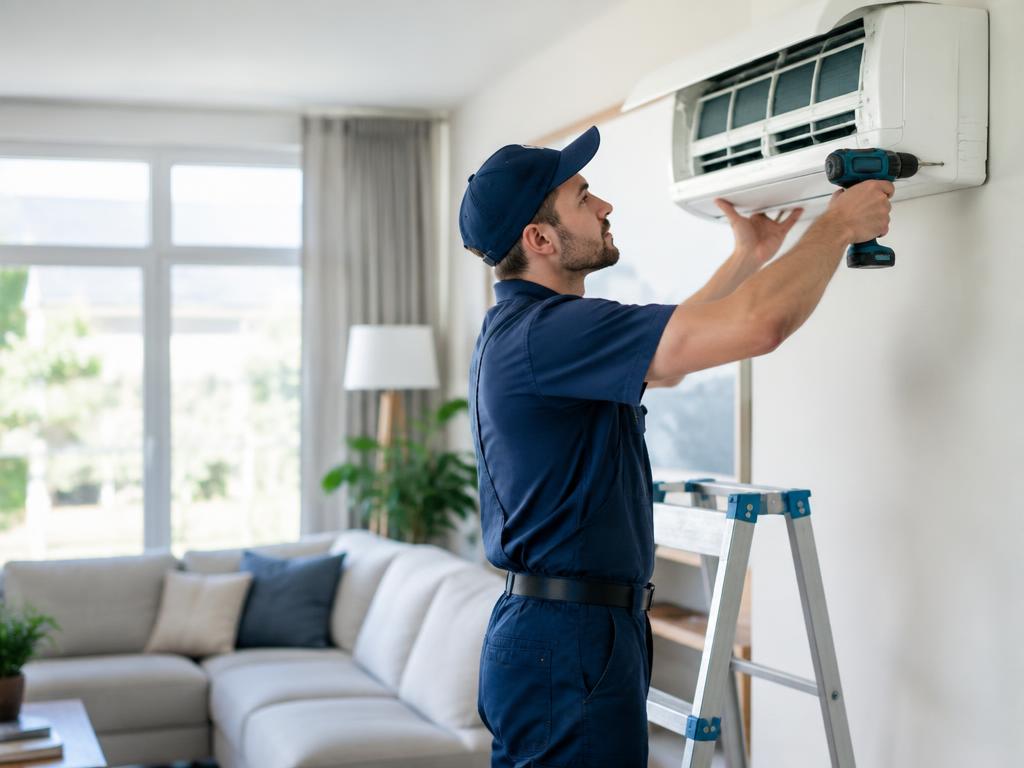
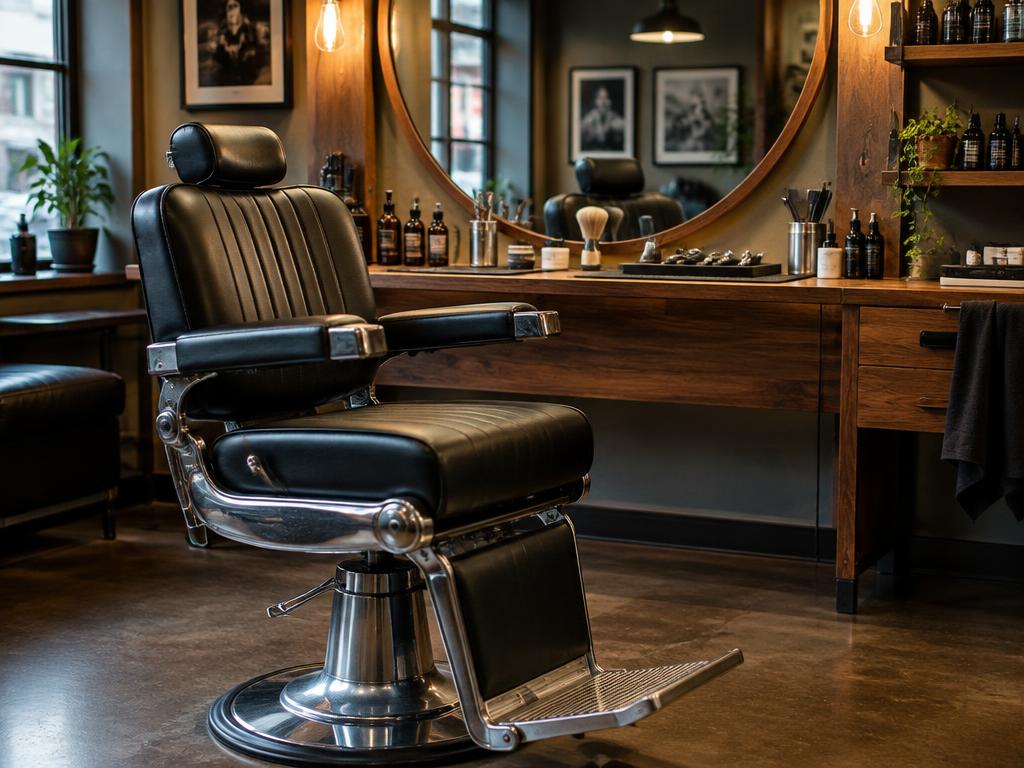
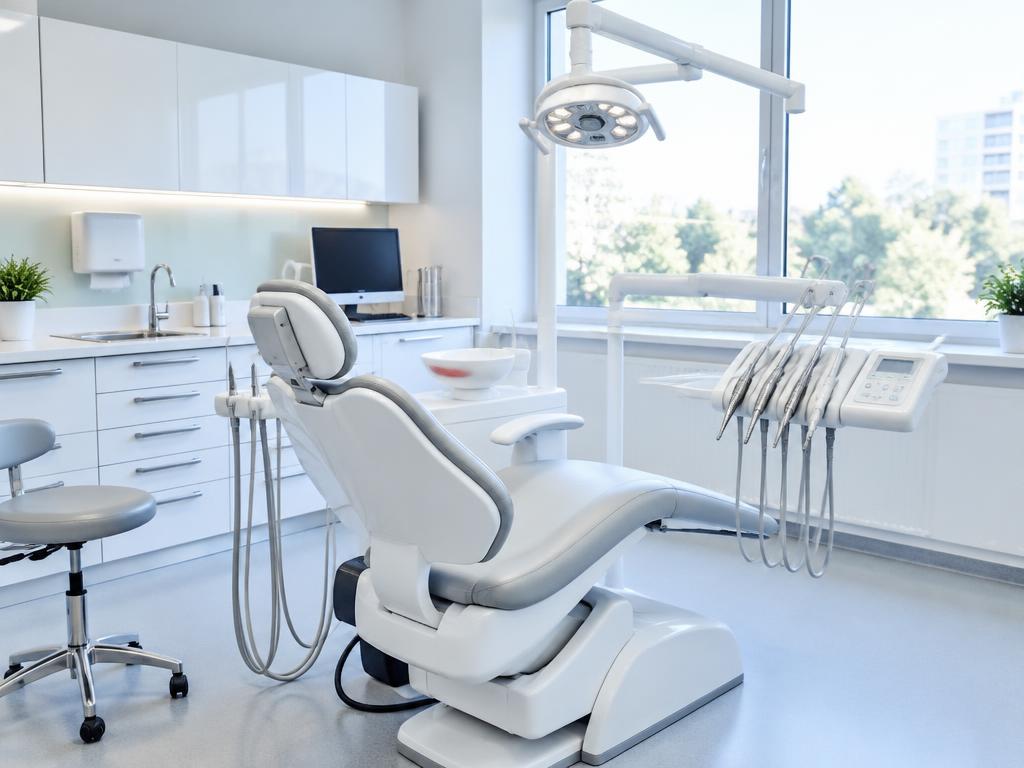
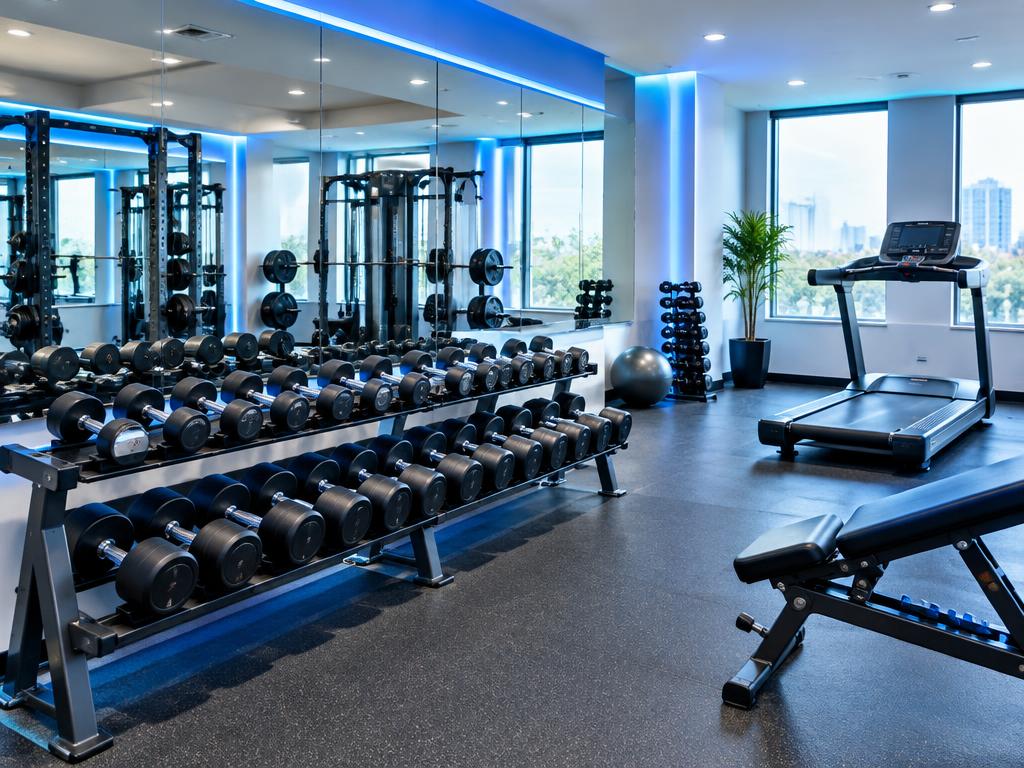
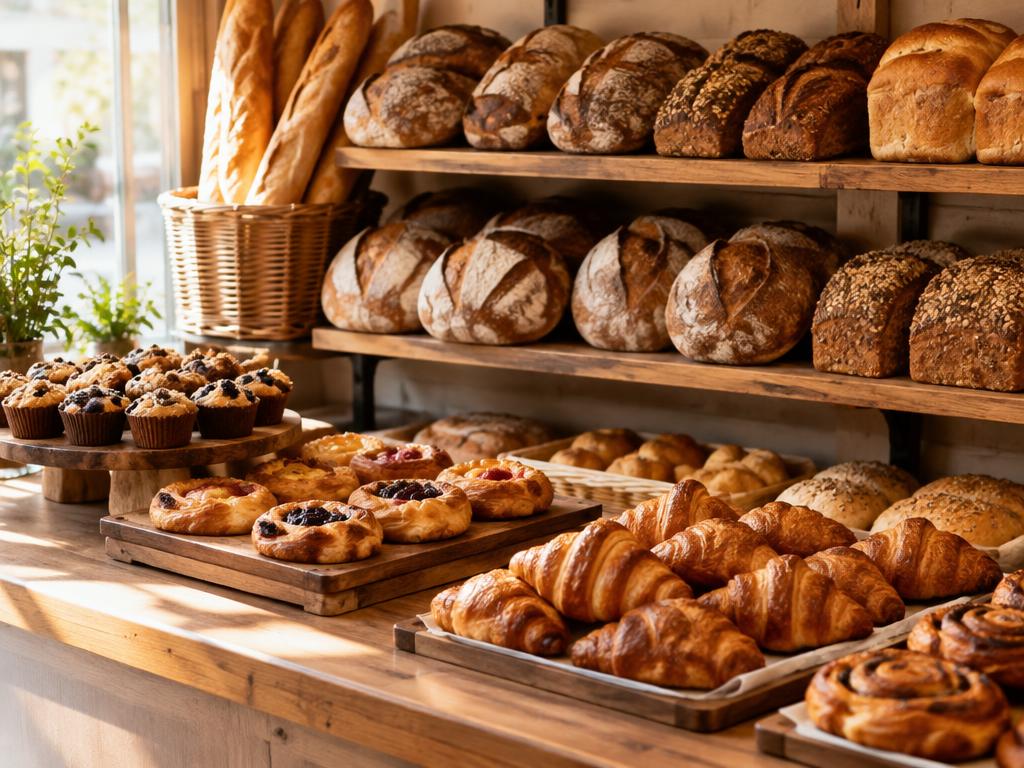
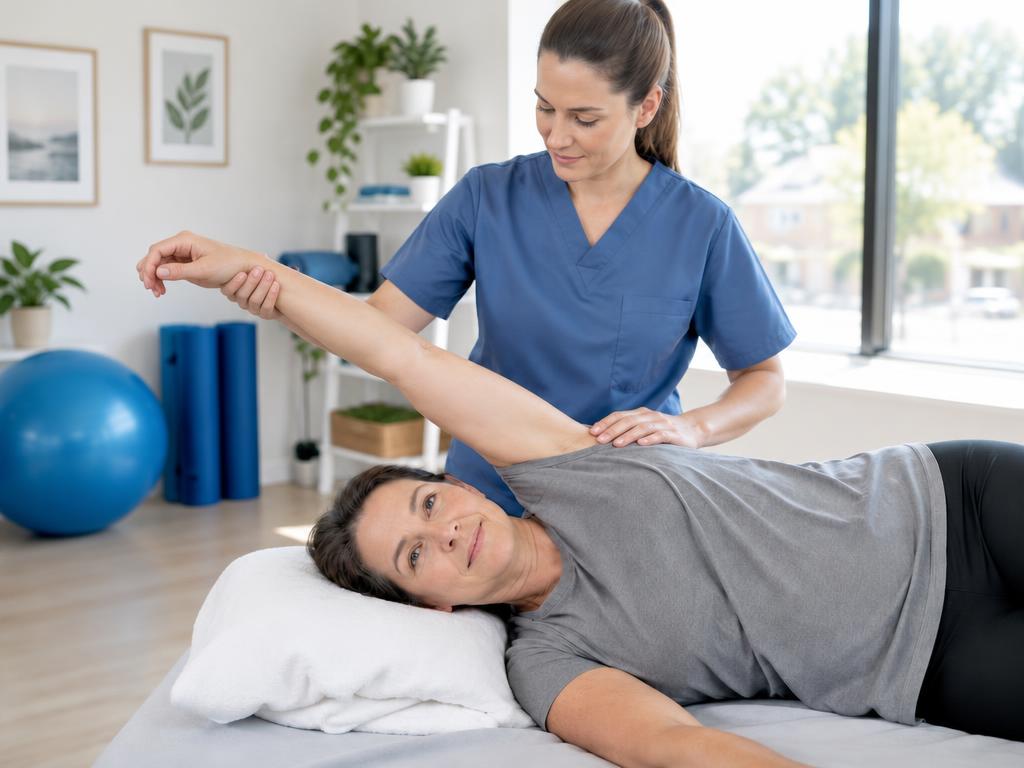
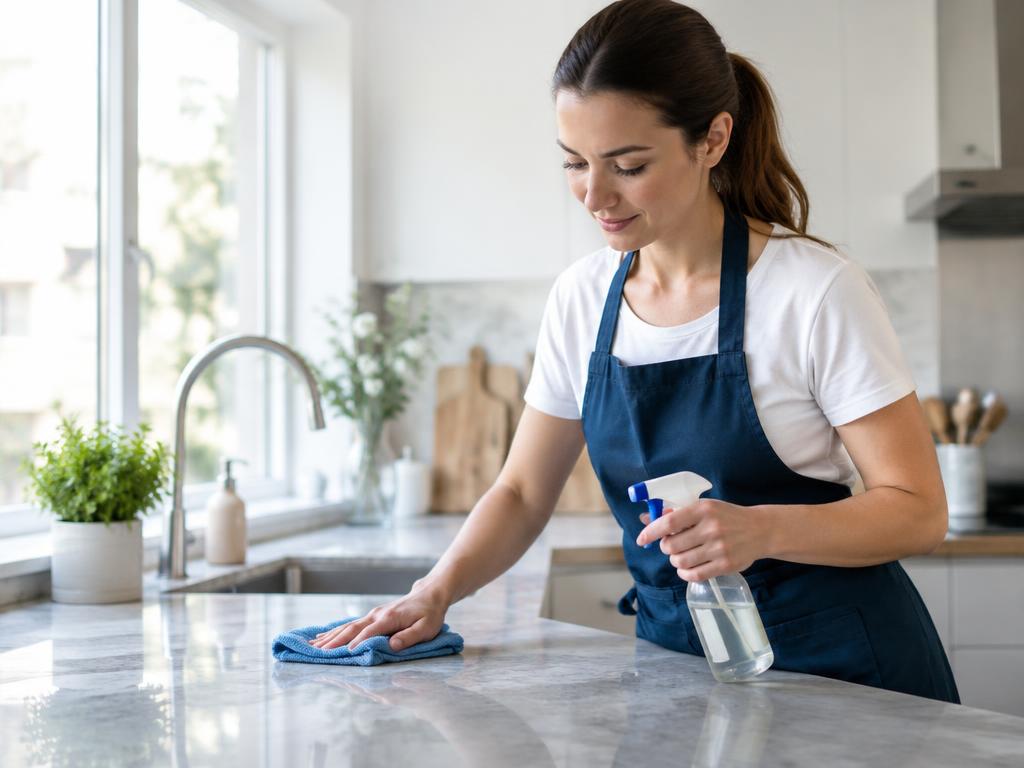
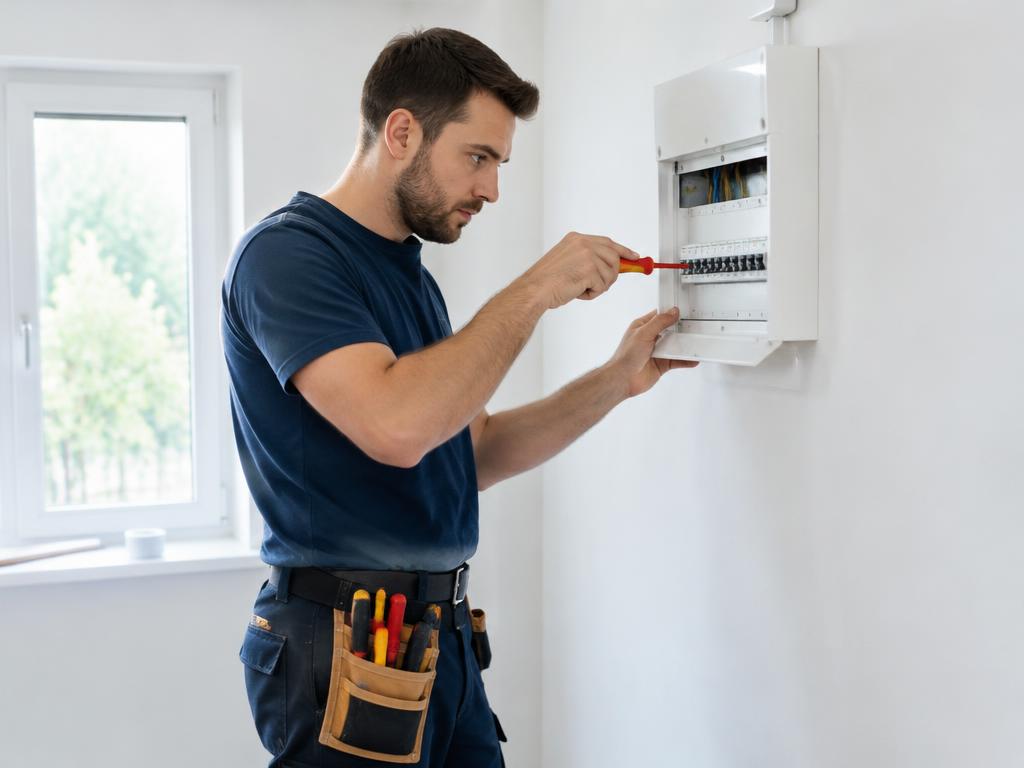
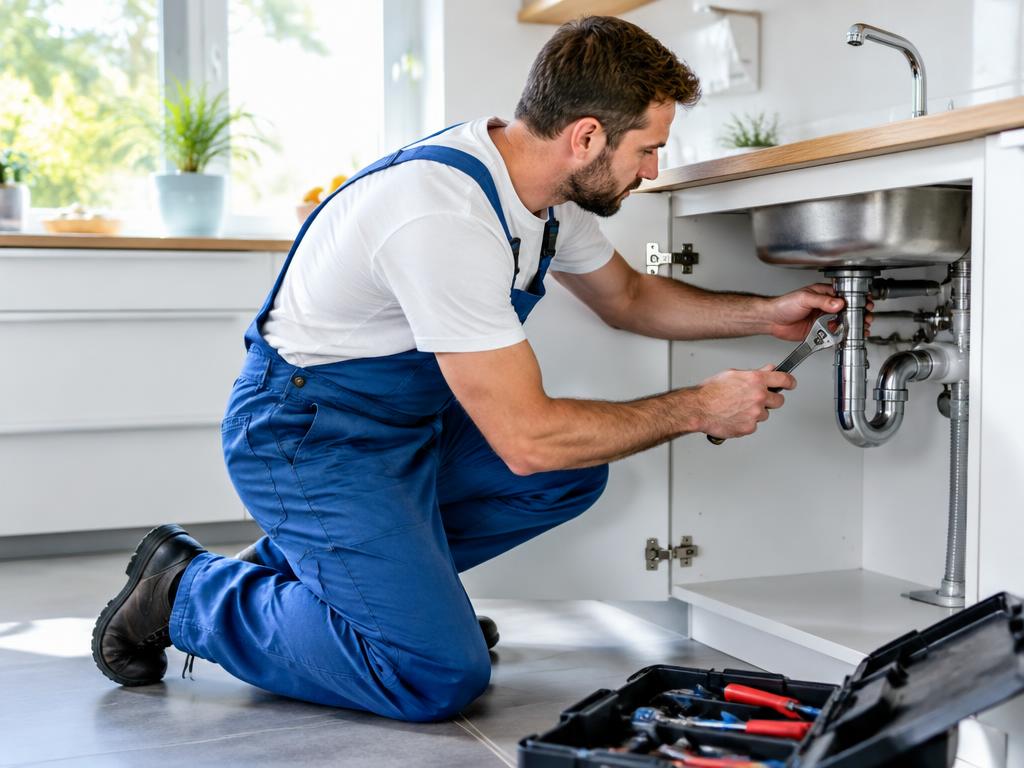
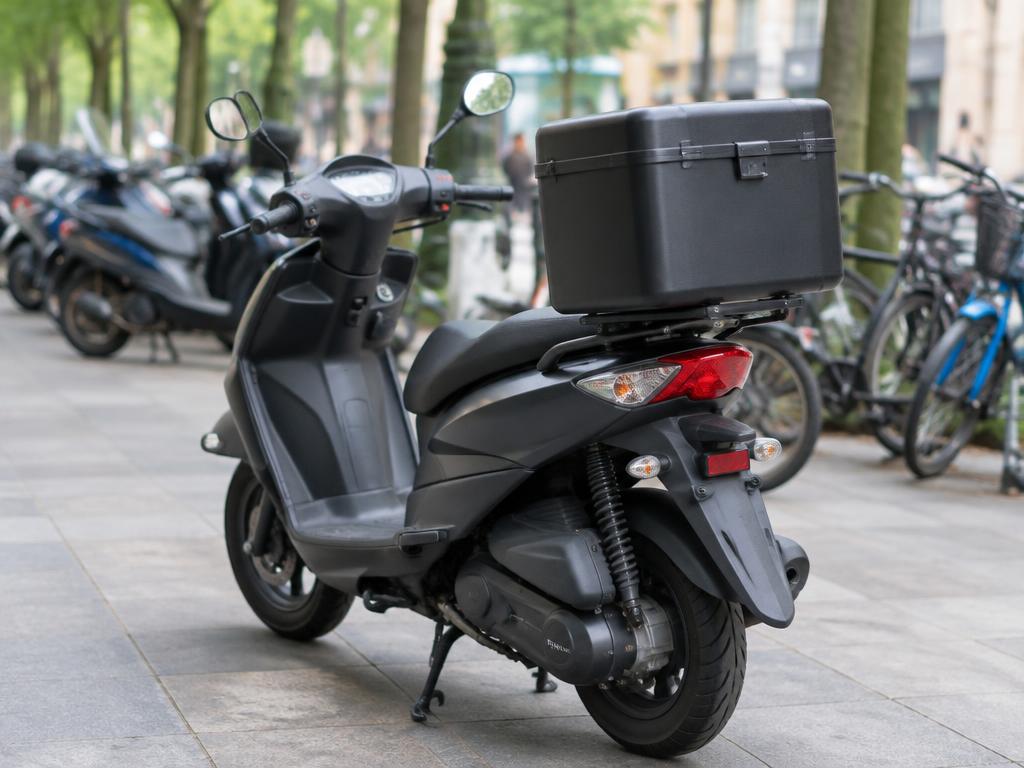
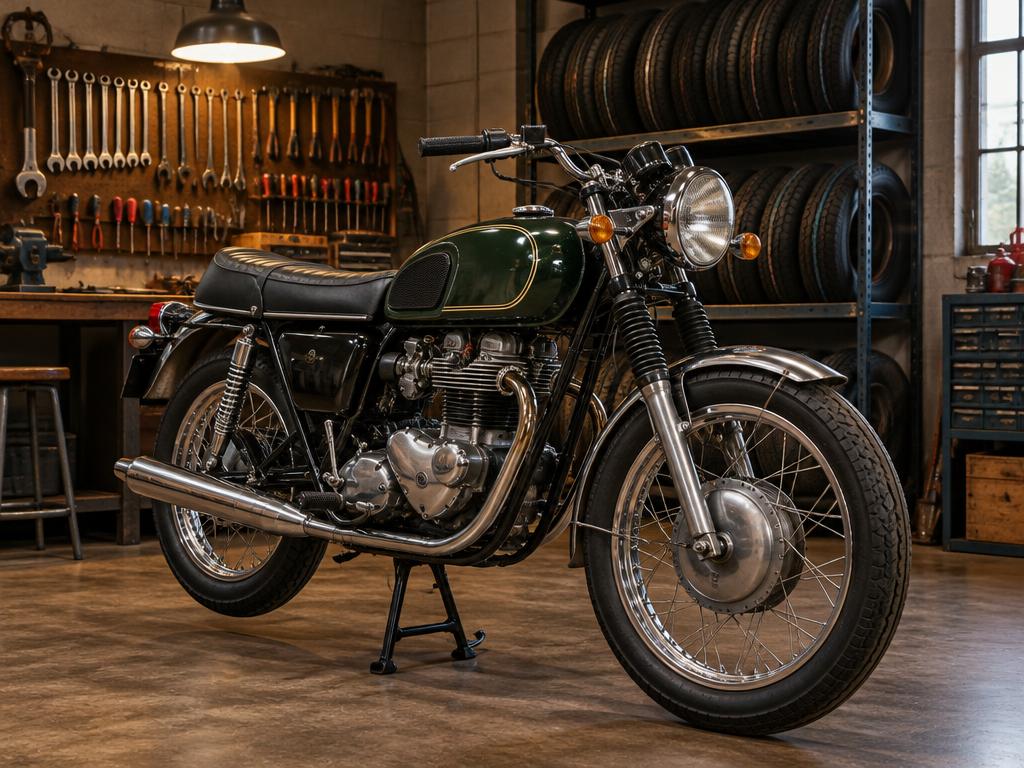
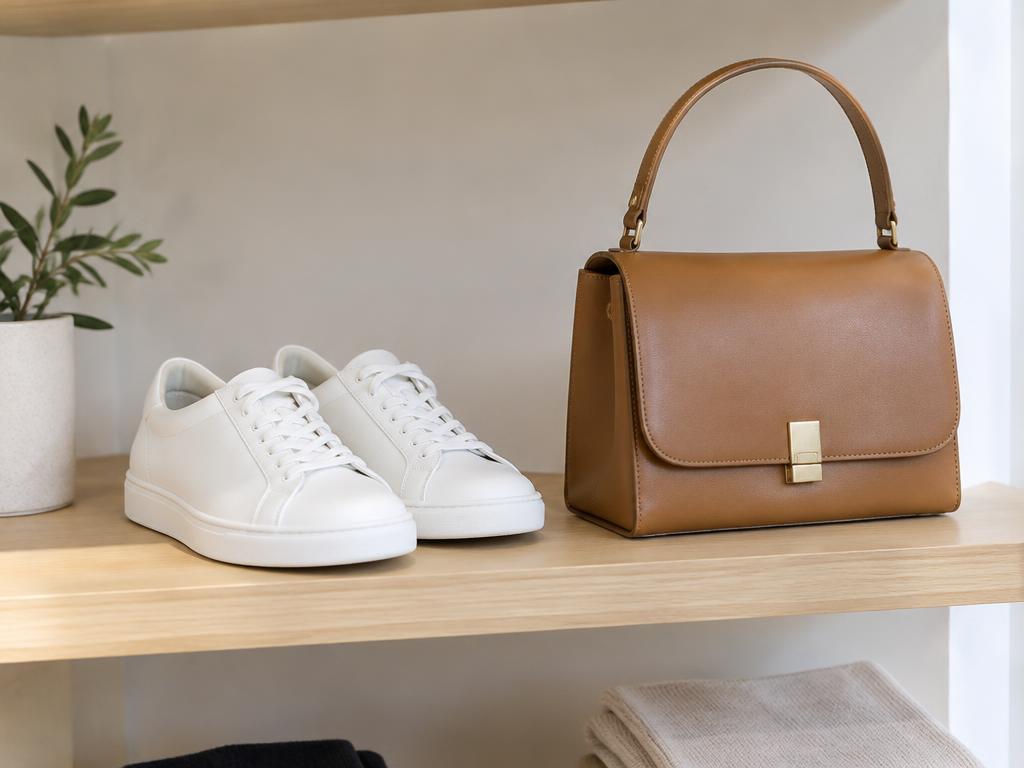
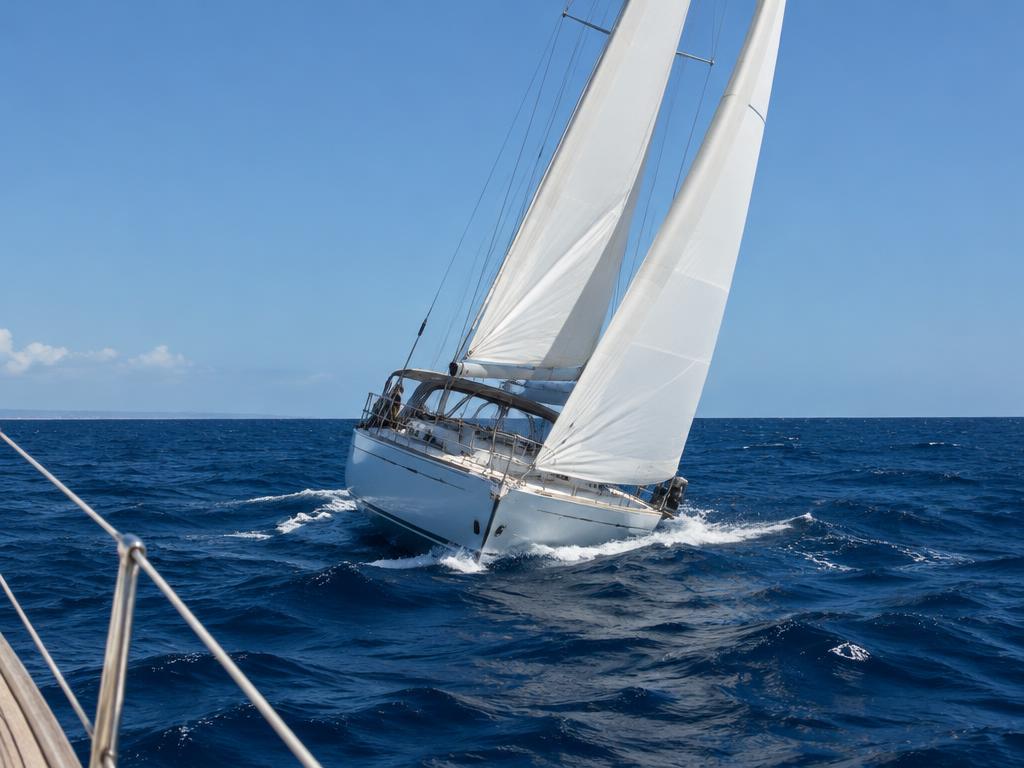
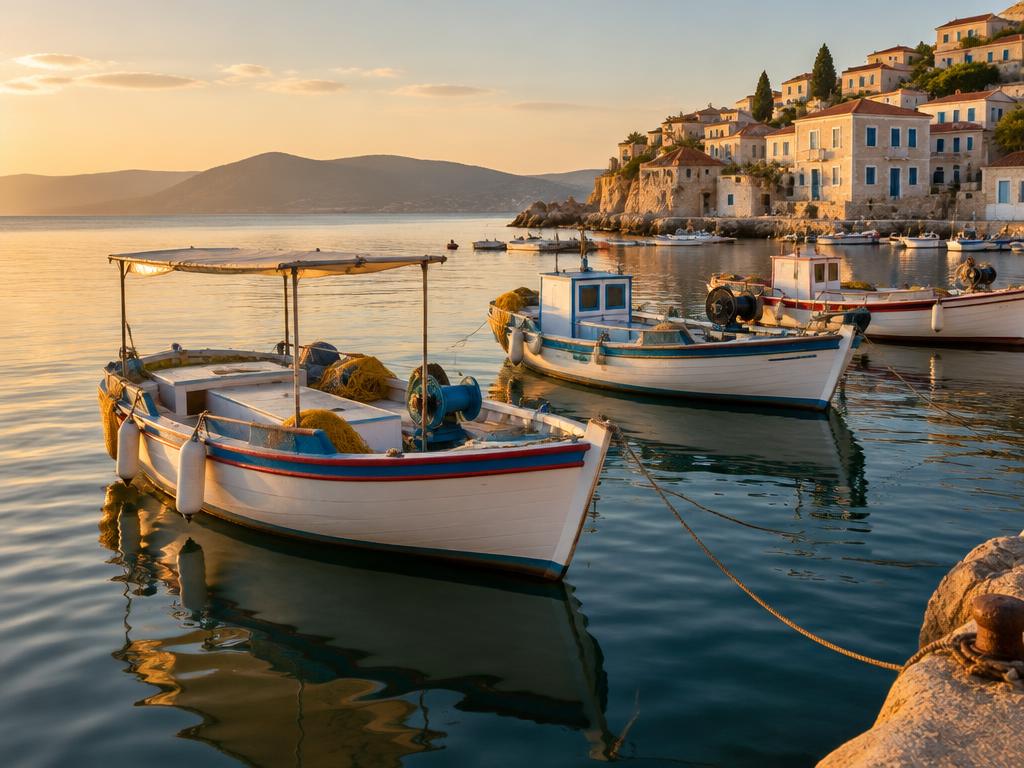
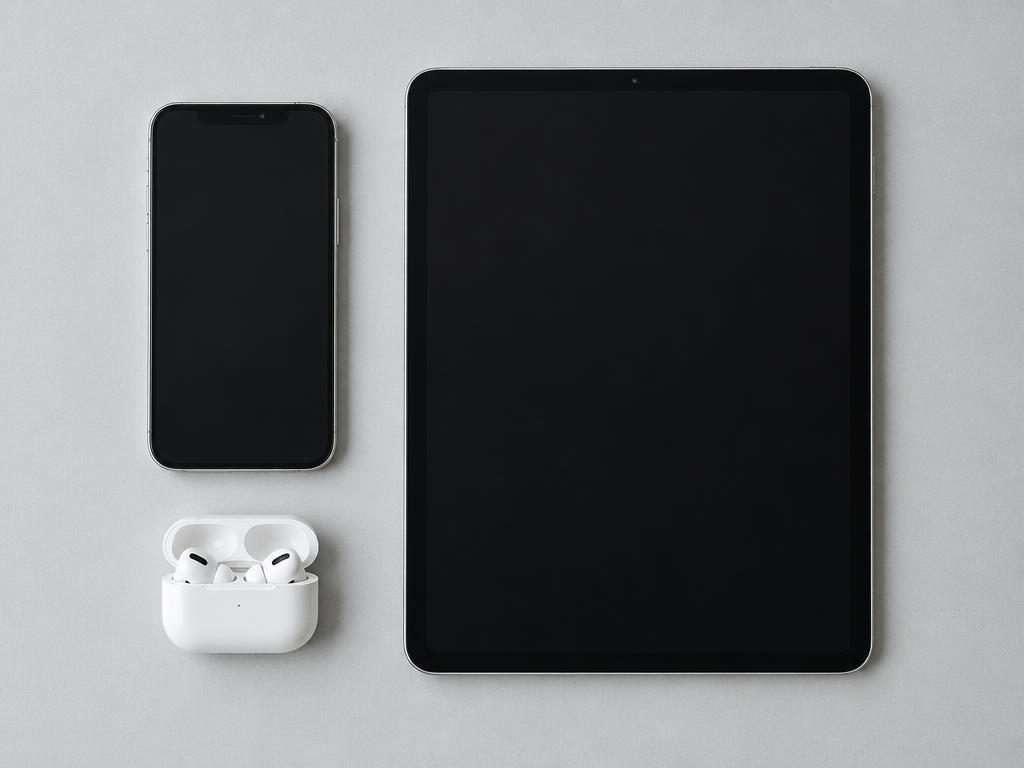
Illustrative photography
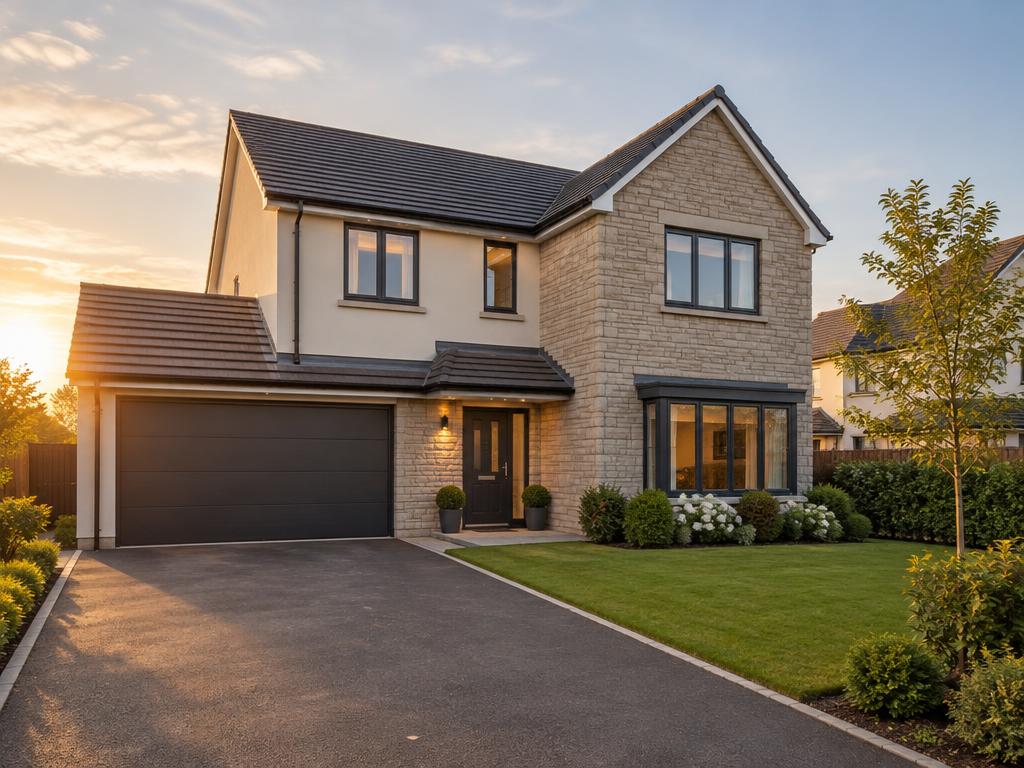
Vehicles, property, services, shops and more — pick your business type and diafimise turns your listings into posts ready for your Facebook Page and Instagram account.
Import what you have. Paste your stock or services page address and review the cars, services or items found, in batches of 10 or 20, before anything is saved to your listings.
Your facts, drawn exactly. Price, year, specifications and service details come only from what you enter and are placed on the photo as text — never invented or redrawn by AI.
Approve, schedule, done. Adverts wait for your approval. Once scheduled, they publish automatically to your Facebook Page and Instagram account at the time you choose.
Content that looks like you
No ready-made styles to work around. Start with your original image and decide what belongs on it.
Your photo stays exactly as you took it. Use a single image, a collage or an ordered carousel.
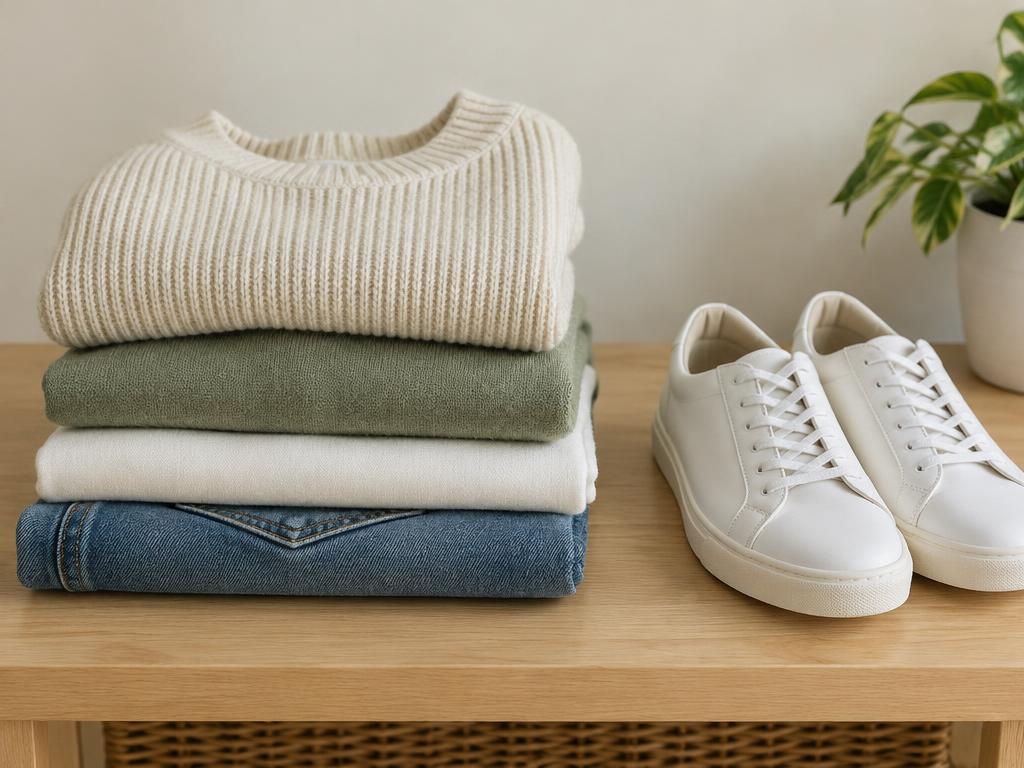
Add a price, a year and specifications for a vehicle, or the details that matter for what you offer. Choose their fonts, colours, sizes and positions independently.

Preview square, portrait and story images. Download your advert and keep a caption alongside it.
Example listing photography. Your adverts use the images you upload.
A real example
These are real diafimise screens, made with the demo car every new workspace starts with. The price and details on the advert are exactly what was entered — nothing is invented.
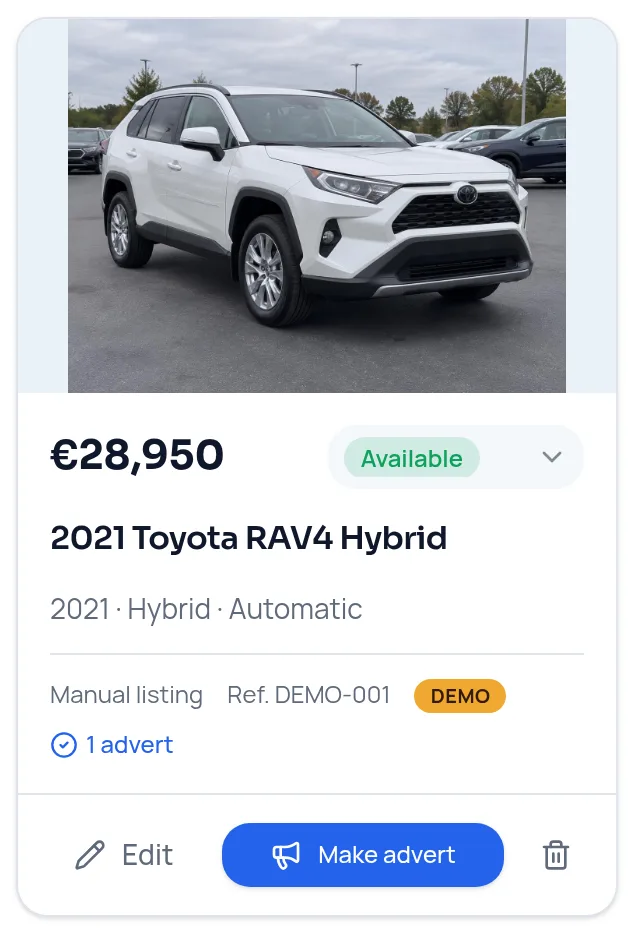
Original photo, price €28,950 and the real details: 2021, 42,000 km, hybrid, automatic, pearl white.
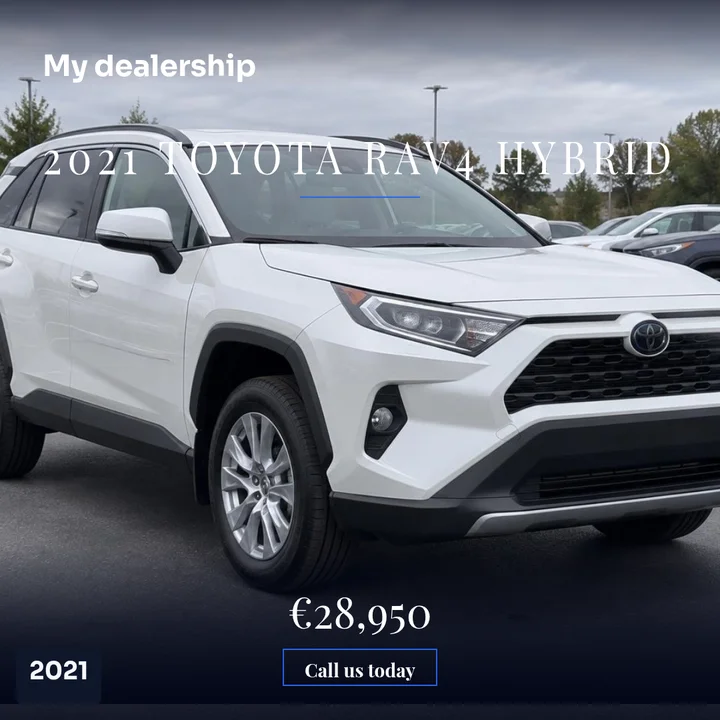
Premium design. Business name, model, price and year are drawn onto the original photo as exact text.
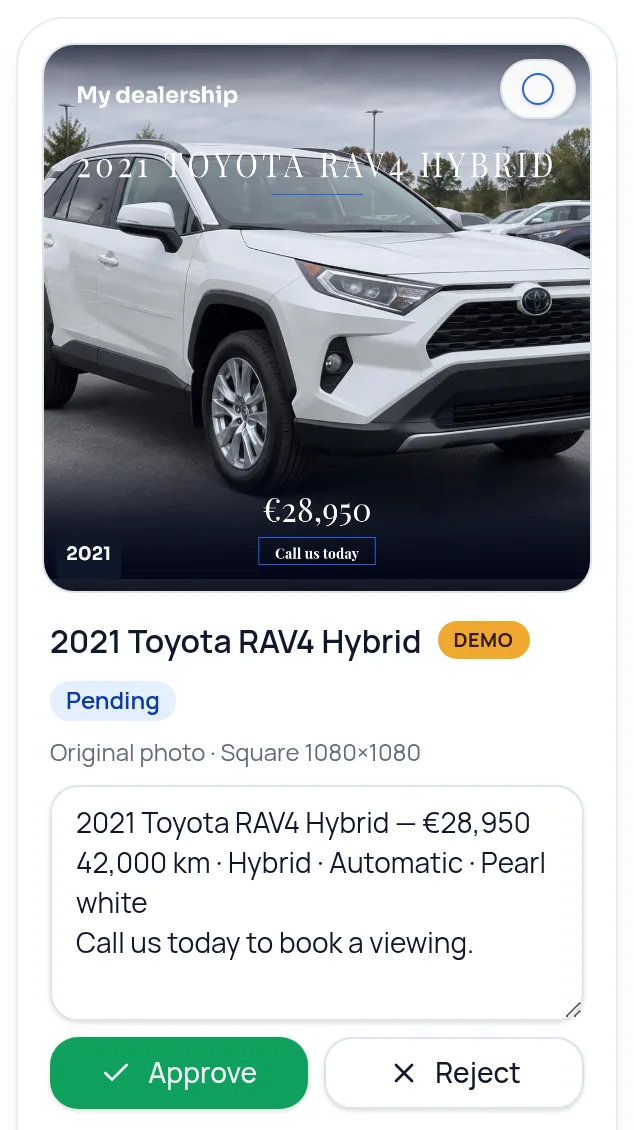
The advert waits in the approval queue with its caption. Nothing is published until you approve it.
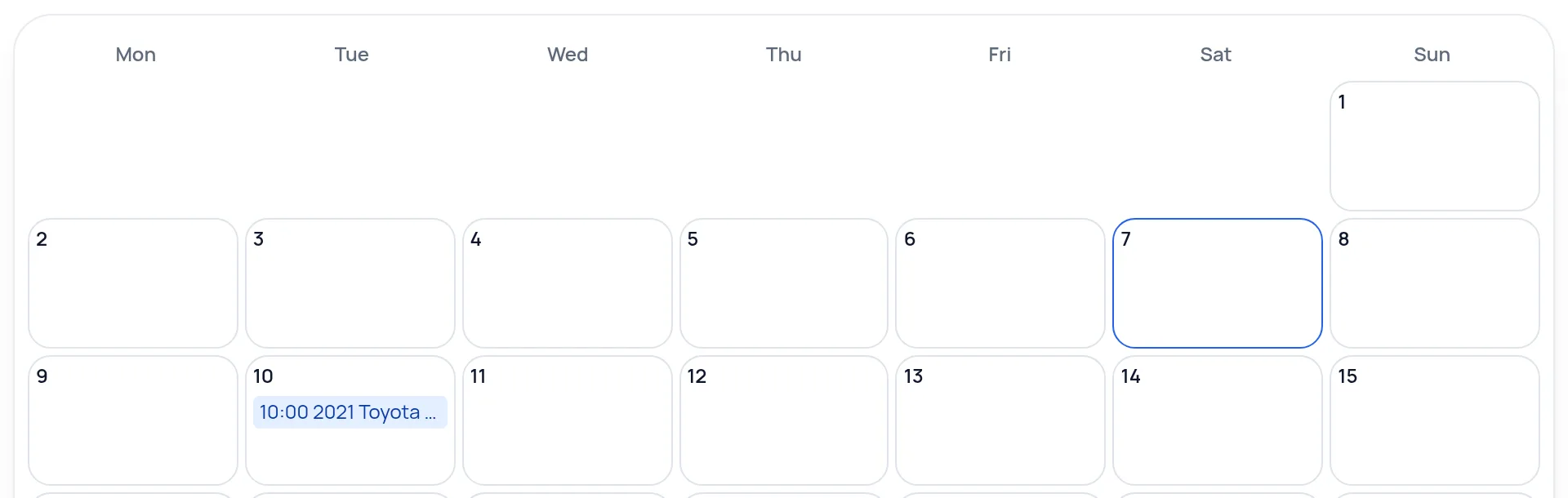
Once approved and scheduled, it sits in your calendar and is published automatically at that time to your connected accounts.
Demo content only — no customer information is shown.
Create · Schedule · Manage
One place for your photos, your advert details and the plans you make next.
STEP 01
Upload your original photos and enter the actual details of what you are selling or offering.
STEP 02
Show only the details you want. Save a draft or set the display as your default for the next item.
STEP 03
Write a caption or generate one in English, Greek or both. Review it before it leaves your workspace.
STEP 04
Approve the advert and pick a time, or let auto-schedule choose. It publishes automatically to your connected accounts — or download it to post yourself.
Approve · Schedule · Publish
Every advert waits for your approval first. You can edit the caption, approve or reject it.
Give an approved advert a date and time, or let auto-schedule pick free times for the week. You can change or cancel it until it posts.
At the scheduled time, diafimise publishes it automatically to your connected Facebook Page and Instagram account. You don't need to be online.
Optional automatic features — auto-publish on approval, automatic website adverts and daily posts with “No approval needed” — approve posts for you once you turn them on. They are off by default.
To publish you need a Facebook Page you manage and, for Instagram, a Business or Creator account linked to that Page.
Pricing
Scheduling and publishing are free. Credits are used only when AI writes a caption or creates an image. New accounts get 50 free credits.
From €10 for 50 credits
See pricingFocus on your business — we’ll handle the posts.